
Quick answer
To set up CCTV in an Indian office, cover reception, the server room, cash and accounts areas, stores, parking and stairwells; never place cameras in restrooms or changing rooms; tell employees in writing and post visible signage; and size storage to a fixed retention period. Footage that identifies people is personal data, so restrict access and secure it under the DPDP Act, 2023.
- Dome cameras suit reception, server rooms, finance areas and stairwells; bullet cameras with long IR range suit parking areas.
- Communicate the CCTV policy before installation: written notice, signage, a stated security purpose and a short list of who may view footage.
- Storage needs depend on bitrate and codec, so lock the DVR/NVR away and consider cloud backup of high-priority feeds.
June 20, 20267 min readCCTV Installation
- 7Office zones covered in our placement guide
- NoticeVisible CCTV signage at every monitored entry point
- NeverCameras in restrooms or changing rooms
- HybridLocal HDD plus cloud backup of key feeds
1. Why Offices Need CCTV
Office CCTV serves multiple purposes beyond theft prevention. In India, common reasons businesses install surveillance include: inventory management, employee productivity monitoring, visitor verification, insurance compliance, legal dispute evidence, and fire/safety incident recording.
The goal is a clear, time-stamped record of who entered which area and when, which is as useful for internal incidents as it is for break-ins.
2. Legal Compliance: What You Can Record
India has no CCTV-specific workplace law, but footage that identifies people is personal data, and the Digital Personal Data Protection Act, 2023 sets the ground rules for digital personal data. Processing "for the purposes of employment or those related to safeguarding the employer from loss or liability" is a listed legitimate use (Section 7(i)); the business must take "reasonable security safeguards to prevent personal data breach" (Section 8(5)); and data should be erased once its purpose is no longer served (Section 8(7)). In practice:
- Allowed: Lobby, reception, server rooms, warehouses, parking, production floors, corridors
- Never: Restrooms, changing rooms, prayer rooms — these are private spaces, and cameras there are a serious privacy violation
- Grey area: Open-plan offices. Generally allowed but employees must be informed.
- Recommended: Visible notice that CCTV surveillance is in operation (signage at entry points)
- Data retention: Set a fixed retention period that matches your purpose (for example, long enough to cover your HR investigation timelines), then let the recorder overwrite older footage
3. Camera Placement Guide for Offices
- Reception / main entrance: 1–2 dome cameras. Capture all faces entering.
- Server room: 1 dome camera. Record everyone who enters. Pair with access control.
- Finance / accounts area: 1 dome camera covering cash drawers and safe.
- Warehouse / stores: Multiple cameras to eliminate blind spots between shelves.
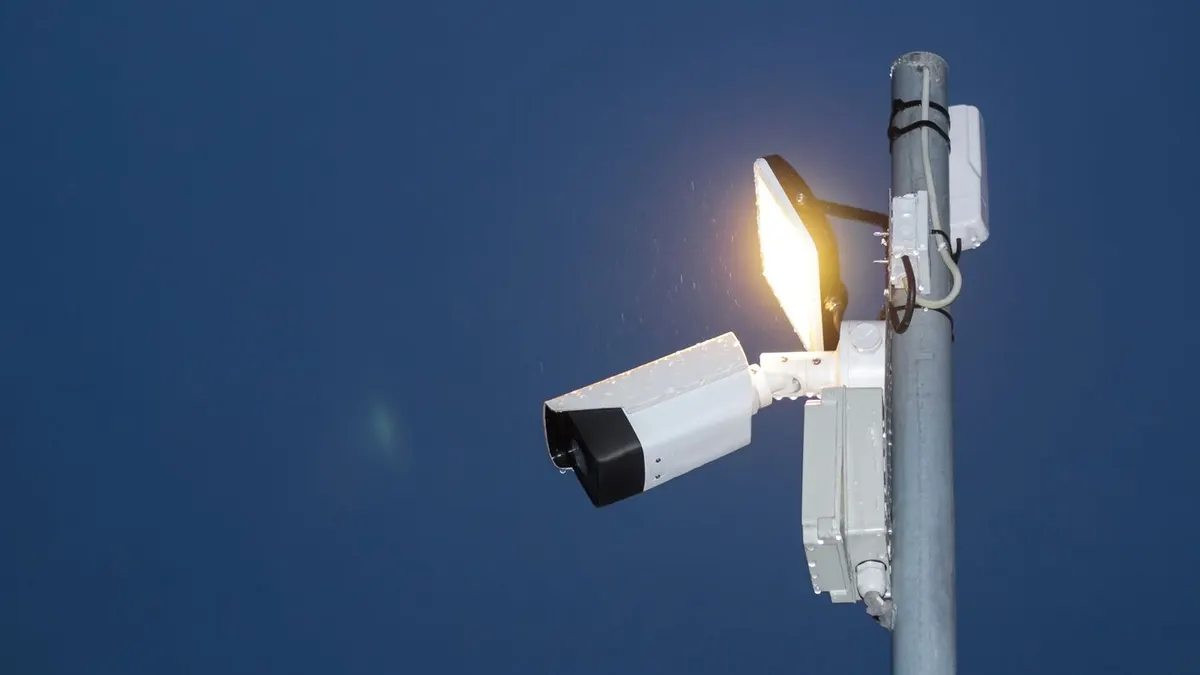
- Parking area: Bullet cameras with long IR range. Cover all vehicle positions.
- Staircase exits: Dome camera at each stairwell to track movement.
- Conference rooms: Only with employee notice. Single wide-angle dome camera.
4. Managing Footage & Storage
Storage depends on bitrate and codec. As a worked example, 8 cameras recording 1080p around the clock at 2 Mbps each use roughly 5 TB in 30 days (2 Mbps is about 21.6 GB per camera per day); H.265 compression or motion-based recording reduces this. Options:
- On-site DVR/NVR with HDD: Standard approach. Secure but vulnerable to theft of the DVR itself. Lock DVR in a secure room.
- Cloud backup: Hikvision Hik-Connect, Dahua P2P, or third-party cloud services. Extra monthly cost but footage survives DVR theft.
- Hybrid: Local HDD + cloud backup of high-priority camera feeds. Best security.
5. Employee Communication
Always communicate your CCTV policy to employees before installation:
- Issue a written notice of CCTV surveillance as part of the employment agreement or as a formal circular
- Post visible "CCTV in operation" signage at all monitored locations
- Specify the purpose (security, not productivity monitoring) to reduce workplace anxiety
- Define who has access to footage (management, HR, security team only)
Sources
Frequently Asked Questions
Why do offices need cameras inside, not just at the entrance?
How long should offices retain CCTV footage for HR purposes?
What can offices legally record under Indian law?
Where should cameras be prioritized in a typical office setup?
DVM Techno Team
Security & surveillance experts based in Haryana. DVM Techno installs CCTV systems across homes, offices, schools and factories in Delhi-NCR and Haryana.
Related Articles
Get CCTV Installed by Experts in Haryana & Delhi-NCR
DVM Techno provides professional CCTV installation for homes, offices, schools and factories. Free site survey and quick installation.