
On this page
- What is an RFID school bus attendance system?
- How does a boarding and drop scan work, step by step?
- What alerts do parents and the school office get?
- What do drivers and attendants do, and what if a card is lost?
- How should a school protect children's attendance data?
- How should a school roll out bus attendance scanning?
- What should you check before buying an RFID bus attendance system?
- How DVM Techno Can Help
- FAQs
Key takeaways
- An RFID or QR bus attendance system links four things: a card per child, a scan at boarding and drop, the bus's live location and an alert to the parent.
- The scan only proves a card was read, so the daily workflow of drivers and attendants matters as much as the software.
- Plan for lost and forgotten cards before day one, with a clear fallback that still records the child and informs the parent.
- Roll out on one route first, brief parents, then extend to every bus once scans and alerts match what actually happened.
What is an RFID school bus attendance system?
It is a system that records each child getting on and off the school bus by scanning a card, then tells the parent and the school office straight away. RFID cards are the familiar option, and many systems also accept a printed QR code as a lower-effort alternative.
Every such system, whatever the brand, is built from the same parts:
- A card or tag for each child: an RFID card, a tag on the bag, or a QR code on the ID card, linked to one student record.
- A scanning point on the bus: either a reader fixed near the door or a phone or handheld device used by the driver or attendant.
- The bus's live location: so each scan can be tied to a stop and a time, not just a card number.
- A server and dashboard: where scans become attendance records and reports for the school office.
- A parent channel: an app, browser link or message that delivers the boarding and drop alert.
If you are still deciding whether attendance scanning is worth adding to live tracking at all, our RFID vs GPS comparison for school buses covers that choice. This post explains how card-based attendance runs day to day.
How does a boarding and drop scan work, step by step?
The child's card is scanned at the door, the system stamps it with the time and bus position, and an alert goes to the parent within moments. A typical morning and afternoon trip looks like this:
- Before the term: the school issues each child a card or QR code and links it to the child's name, class, bus, stop and a parent's mobile number.
- Trip start: the driver starts the trip, and the bus location begins updating on the parent map and the school dashboard.
- Boarding scan: at each stop the child's card is scanned as they get on. The record holds the card, the time and where the bus was.
- Parent alert: the parent gets a message that the child has boarded, so they can stop watching the gate.
- Arrival at school: when the bus enters the school area, an arrival alert confirms the bus has reached.
- Afternoon trip: children are scanned on at school and scanned off at their stop, which triggers a drop alert to the parent.
- Office view: every scan appears on the dashboard, and the transport in-charge can export attendance for the day.
In SchoolTrack, our school bus tracking software, the driver app runs on the driver's own phone, shares the bus position every few seconds and scans each child's QR code or RFID card as they board and get off. Parents get boarding and drop alerts, and the school sees attendance in real time.
What alerts do parents and the school office get?
Parents care about three moments: the bus is near, my child is on board, and my child has reached. The office cares about exceptions. The table separates what SchoolTrack's product page lists from items you should confirm with any provider.
| Event | Who is told | In SchoolTrack |
|---|---|---|
| Bus about 500 m from the stop | Parent | Yes, arrival alert |
| Child scanned on board | Parent and school | Yes, boarding alert |
| Child scanned off at the stop | Parent and school | Yes, drop alert |
| Bus reaches the school gate | Parent and school | Yes, geofence alert |
| Delay or announcement | Parents on the route | Yes, WhatsApp or in-app, in Hindi or English |
| Bus leaves its route or stops too long | School | Yes, unauthorised stop alert |
| Child expected at a stop but not scanned | School, then parent | Not listed on the page; ask about it in the demo |
The last row matters. A missed scan can mean the child was absent, travelled with a parent, or boarded without scanning. Agree who checks it and how fast, so a missing record is followed up the same morning rather than at the end of the day.
For how these alerts look on a parent's phone, see our parent app guide.
What do drivers and attendants do, and what if a card is lost?
The scan is only as reliable as the routine around it, so give the scanning job to one named person on each bus and write down what happens when a card is missing.
- Who scans: where the bus has an attendant, let the attendant scan so the driver can focus on the road. The driver should scan only while the bus is stopped.
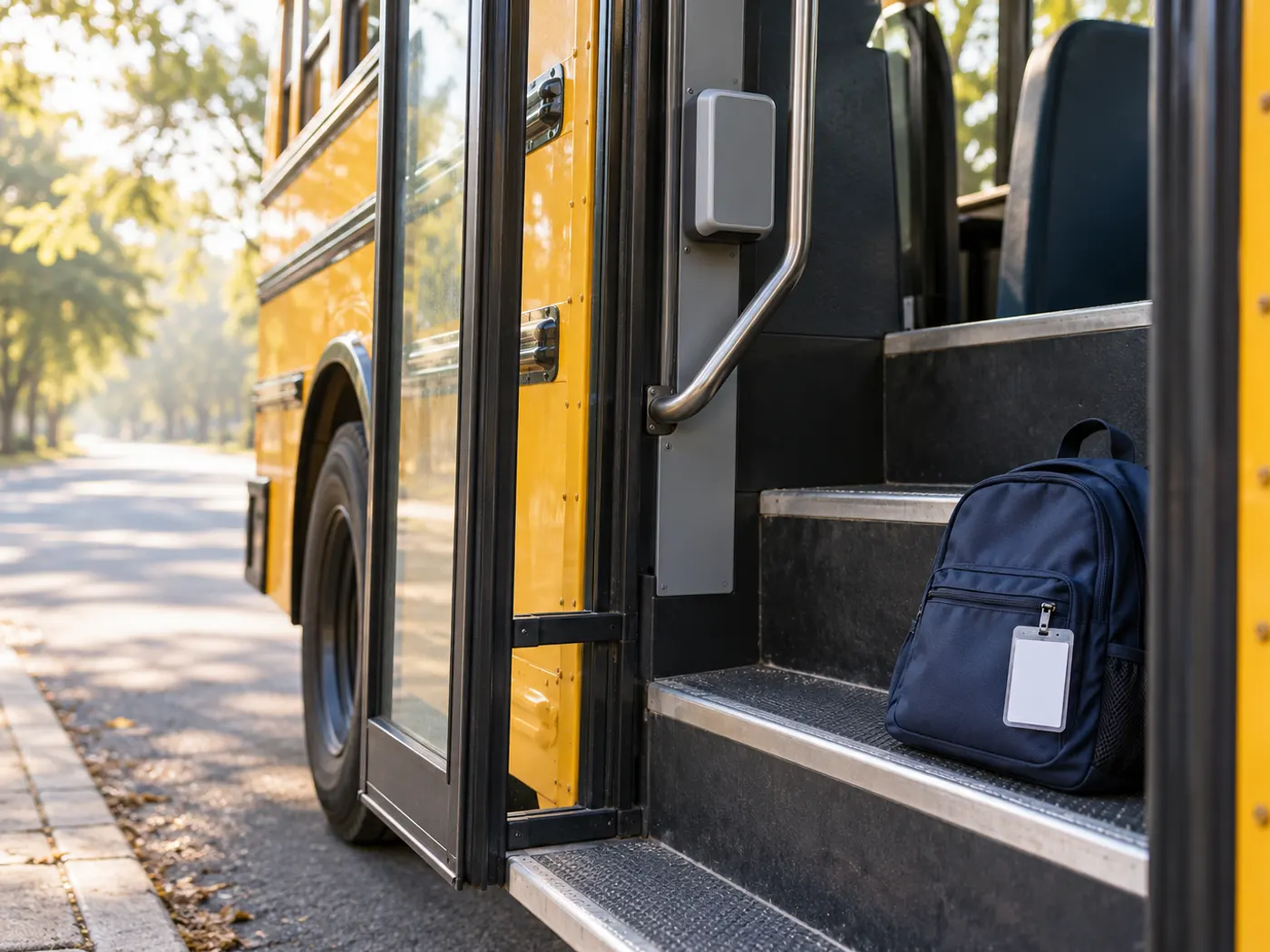
- Young children: keep the card in a holder clipped to the bag, and let the attendant scan it for them.
- Every stop, every trip: scan on and off both ways. A drop scan at the stop is what tells a parent the child has actually got down.
- End of trip: walk the bus after the last drop and check that no child is left on board, whatever the scans say.
Lost, forgotten and swapped cards are normal in any school. Set a simple policy:
- Forgotten card: let the child board, mark them manually or by name if the system allows it, and record the reason.
- Lost card: the parent informs the office, the old card is switched off in the student record and a new one is issued.
- Temporary fallback: a printed QR code can cover the gap while a replacement RFID card arrives, if your system accepts both.
- Swapped cards: a quick head count against the route list at school catches most mix-ups early.
How should a school protect children's attendance data?
Treat every scan as personal data about a child, because it shows where that child was and when. Under the Digital Personal Data Protection Act, 2023, anyone under 18 is a child, and processing a child's data generally needs verifiable parental consent. The PIB release on the DPDP Rules, 2025 mentions limited exemptions for purposes such as education and real-time safety.
- Collect only what transport needs: name, class, bus, stop, card number and a parent contact.
- Use scan data for transport safety and attendance only, never for marketing.
- Tell parents in plain words what is recorded, who sees it and how long it is kept.
- Limit dashboard access to the transport in-charge and staff who need it.
- Do not print a child's home address or phone number on the card itself.
- Switch off cards of children who leave the school or the bus service.
This is general information, not legal advice. Check with your legal adviser how the Act and Rules apply to your school.
How should a school roll out bus attendance scanning?
Start with clean student data and one pilot route, then extend to the full fleet once scans match reality.
- Clean the data: confirm each child's bus, stop and parent number. Most early problems come from wrong stop or phone details.
- Choose the card type: RFID, QR or both, and decide who scans on each bus.
- Issue cards: hand them out class by class with a note for parents on what the alerts mean.
- Pilot one or two routes: pick one short urban route and one longer route with weaker signal.
- Train staff: show drivers and attendants the scanning steps, the lost-card rule and the end-of-trip check.
- Check daily: during the pilot, compare scans with the class register and fix gaps.
- Extend to every bus: add the remaining routes, then review after a month with feedback from parents and staff.
With SchoolTrack, our team sets up routes, stops and students on the dashboard within 24 hours, and parents join from a WhatsApp link. Card handover and staff training are the steps that take planning on the school's side.
What should you check before buying an RFID bus attendance system?
Check how the system behaves on a real route, not just in a demo, and get clear answers on cards, alerts, data and support.
| Check | Why it matters | Question to ask |
|---|---|---|
| Card options | Some schools prefer QR codes, others RFID cards | Can we use QR, RFID or both, and how are replacements issued? |
| Scanning method | Fixed readers and phone-based scanning need different upkeep | What scans the card on our buses, and who maintains it? |
| Link to live location | A scan without a place is hard to act on | Does each scan show the time and where the bus was? |
| Weak network | Many routes pass through low-signal stretches | What happens to scans and location when the signal drops? |
| Parent alerts | Alerts drive parent trust | Which events trigger an alert, and in which languages? |
| Missed scans | A missing record needs quick follow-up | How does the office see children who were expected but not scanned? |
| Reports | The office needs daily and monthly records | Can we export attendance and trip history? |
| ERP connection | Avoids typing student data twice | Can it share student and attendance data with our school ERP? |
| Data and access | Children's data needs care | Who can see scan data, where is it stored and how long is it kept? |
How DVM Techno Can Help
DVM Techno is a software company based in Gurgaon, and SchoolTrack serves schools across India. It combines live bus location from the driver's phone with QR or RFID boarding and drop attendance, parent alerts on WhatsApp and a browser dashboard for the office. If you also use our School ERP for admissions, fees and attendance, the two can connect. Book a demo on the SchoolTrack page or call +91-8448523313.
Frequently Asked Questions
How does RFID school bus attendance work?
Each child carries an RFID card or QR code linked to their student record. When the child boards or gets off, the card is scanned on the bus, and the system records the time and where the bus was. The parent gets a boarding or drop alert, and the school office sees the record on its dashboard and can export attendance reports.
Can a school use QR codes instead of RFID cards?
Yes. Many systems accept QR codes printed on the ID card as well as RFID cards. SchoolTrack supports both, with the driver app scanning the child's QR code or RFID card as they board and get off. QR codes are easy to reprint when lost, while RFID cards are quick to scan. Some schools use QR as a temporary fallback.
What happens if a child forgets or loses the RFID card?
The child should still board. The attendant records the child by another method the system allows, such as manual marking, and notes the reason. For a lost card, the parent informs the office, the old card is switched off in the student record and a new card or a temporary QR code is issued so scans and alerts continue.
Do parents get an alert when the child reaches school?
With SchoolTrack, parents get a boarding alert when the child's card is scanned and a geofence alert when the bus reaches the school gate. In the afternoon, a drop alert follows the scan at the child's stop. Alerts arrive through the parent app, which opens from a WhatsApp link, and delay messages can be sent in Hindi or English.
Is bus attendance data covered by the DPDP Act?
Yes. Card scans tied to a named child, a stop and a time are personal data about a child under the Digital Personal Data Protection Act, 2023. Schools should collect only what transport needs, explain it clearly to parents, limit dashboard access and switch off cards of children who leave. Take legal advice on consent and the exemptions in the 2025 Rules.
Related articles
See bus attendance scanning in action
Book a demo and we will show you boarding and drop scans, parent alerts and attendance reports for your routes.