
On this page
- Can a shop in Samaspur Majra get a WiFi connection?
- Why do UPI payments at the counter need a steady connection?
- How does shop WiFi help with WhatsApp Business replies and the catalogue?
- Can billing and GST work run on the same line?
- Can the shop CCTV use the same internet connection?
- How to get connected in Samaspur Majra
- Plans and prices for shops in Samaspur Majra
- FAQs
Key takeaways
- WiFi broadband is available in Samaspur Majra from DVM Techno’s Kasni branch, over the air with no cable or digging, from 400 rupees a month.
- A shop line keeps UPI payment alerts, WhatsApp Business replies and billing apps running without draining the counter phone’s data pack.
- The shop CCTV can share the same router; the recorder keeps recording without internet, and the line is used only to watch the cameras on your phone.
- All plans have unlimited data with no FUP and free installation of the antenna and router.
Can a shop in Samaspur Majra get a WiFi connection?
Yes. WiFi broadband is available in Samaspur Majra from DVM Techno’s Kasni branch. It reaches your shop over the air to a small antenna on the roof, so no cable is laid and nothing is dug up, and plans start at 400 rupees a month. Coverage and plans are on the Samaspur Majra broadband page.
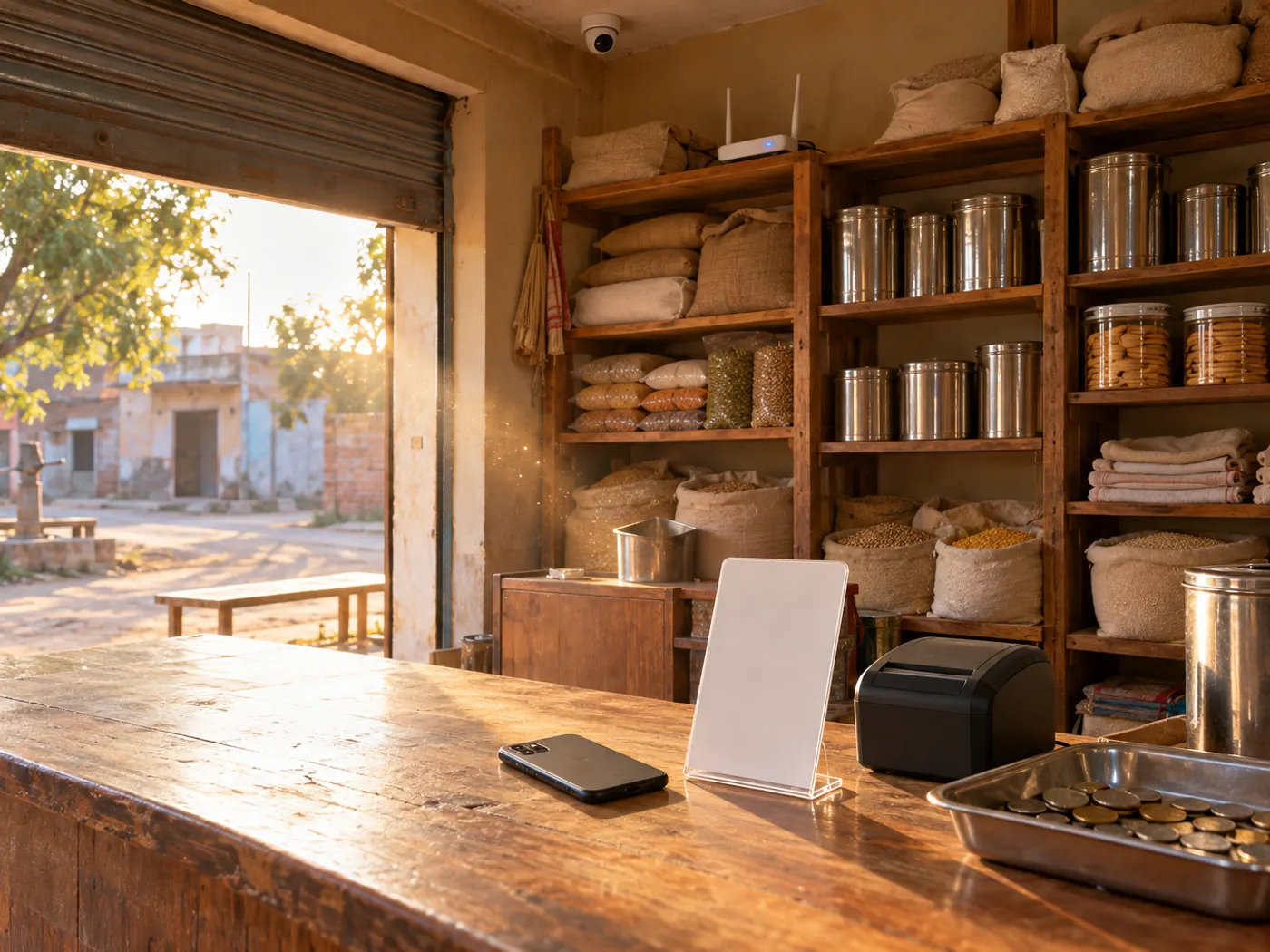
A kirana counter, a mobile repair stall, a tailoring shop or a fertiliser and seed store now does much of its daily work on a phone: taking UPI payments, answering customers on WhatsApp and making bills. On mobile data that work slows down when the signal inside the shop is weak, when the data pack runs out or when the phone is busy sharing a hotspot with another device. A fixed WiFi line with unlimited data takes that load off the phone. This post covers what a village shop actually runs on the line; for a general comparison of internet options, read our guide to getting a WiFi connection in a village.
Why do UPI payments at the counter need a steady connection?
When a customer scans your UPI QR, the payment goes through on the customer’s own phone network, but you still need a working connection to see that the money has arrived before they leave.
The confirmation reaches you as an alert in your payment or bank app, or as an announcement on a payment speaker. If your phone has a weak signal inside the shop, that alert can come late and a queue builds while you wait. Shop WiFi keeps your phone online all day, so the payment history refreshes as soon as you open it. The same applies if your billing software shows a QR with the bill amount already filled in: the counter computer or tablet needs the internet to create it.
- Check your own app, not the customer’s screen: a screenshot or a payment-successful screen on the customer’s phone is not proof. Confirm the amount in your own app before handing over goods.
- You never enter a UPI PIN to receive money: if anyone asks you to enter your PIN or scan a code to receive a payment, it is a trick.
- Keep the printed QR where you can see it: so nobody can paste a different QR over yours.
- Keep customers on a separate network: if you let customers use WiFi when their own signal is weak, turn on a guest network if your router offers one, with its own password, and keep the main network for your counter devices and cameras.
How does shop WiFi help with WhatsApp Business replies and the catalogue?
Many village customers now ask for rates, place orders and check whether stock has arrived on WhatsApp, and a steady line lets you keep up with those messages from the counter.
Uploading catalogue photos, sending a short video of new stock or a rate list to a broadcast list all use upload, which is where a busy mobile connection often struggles. With WiFi in the shop you can also open WhatsApp Web on a counter computer, type replies on a keyboard and keep the phone free for payments.
- Catalogue: add each item with a clear photo, the price and a short description, so customers can choose before they call.
- Greeting and away messages: set an automatic reply for first-time customers and for closing hours; our greeting and away message examples give ready text you can adapt.
- Quick replies: save answers to common questions such as shop timings, home delivery and your UPI ID.
- Labels: mark chats as new order, payment pending or delivered, so nothing is missed on a busy evening.
Can billing and GST work run on the same line?
Yes. Billing apps, the GST portal and online banking use little data compared with video, so for them a connection that stays up matters more than a very high speed.
Many billing apps save bills to the cloud or sync stock between a phone and a computer. If the internet drops in the middle of a sync, you can end up with missing or duplicate entries that take time to sort out at the end of the month. Filing returns on the GST portal, downloading supplier invoices and checking bank statements are also smoother on a fixed line than on a phone hotspot that disconnects whenever a call comes in.
A shop that is registered for GST can ask its accountant whether the GST on the monthly internet bill can be claimed as input tax credit. Our guide to GST on WiFi and broadband bills explains how it works.
Can the shop CCTV use the same internet connection?
Yes. A shop’s cameras and recorder can share the same router, and the internet is used only when you watch the cameras on your phone from home or elsewhere.
The recorder (DVR or NVR) stores footage on its own hard disk inside the shop, so it keeps recording even if the internet goes down. The connection is needed for live view and playback on your phone. When you watch from home, the video leaves the shop on the upload side of the line, so ask about upload speed if you plan to check the cameras often. DVM Techno also does CCTV installation around Kasni, so the cameras and the broadband can be planned together.
| What runs on the shop line | Needs the internet for | If the line drops |
|---|---|---|
| UPI QR at the counter | Payment alerts on your phone or payment speaker | The customer can still pay over their own network; confirm in your app once you are back online |
| WhatsApp Business | Receiving orders, sending the catalogue, photos and rate lists | Messages wait and are delivered when the line returns |
| Billing app or software | Cloud backup, stock sync and the GST portal | Apps that work offline keep billing and sync later; cloud-only apps stop |
| Shop CCTV recorder | Live view and playback on your phone | Recording continues on the recorder’s hard disk |
How to get connected in Samaspur Majra
- Call or WhatsApp +91-8448523313 with your shop’s location in Samaspur Majra and what you run on the internet.
- A technician checks the wireless signal at your roof. This survey is free, and the plan is confirmed after it.
- The antenna and router are installed free, usually in 2 to 3 hours. Ask for the router to be placed near the counter, where the phone and billing computer sit.
- In most villages the internet starts the same day. Connect the counter phone, the computer and the camera recorder, and save the support number.
Plans and prices for shops in Samaspur Majra
Every plan has unlimited data with no FUP and local support from Kasni.
| Plan | Speed | Monthly price | Suits a shop that |
|---|---|---|---|
| Basic | 30 Mbps | 400 rupees a month, GST included | Runs UPI, WhatsApp and billing on one or two devices |
| Starter | 50 Mbps | 600 rupees a month, GST included | Also uploads catalogue photos and videos and uses WhatsApp Web at the counter |
| Standard | 100 Mbps | Call or WhatsApp for the price | Has several devices and checks the shop cameras from home now and then |
| Premium | 200 Mbps | Call or WhatsApp for the price | Runs many devices at once and watches CCTV remotely often |
Check coverage at your address and current 100 and 200 Mbps prices on the Samaspur Majra plans page. The full list of villages served is on the Kasni broadband page.
Frequently Asked Questions
Do I need internet at my shop to receive UPI payments?
The customer’s phone completes the payment over its own network, so a payment can go through even if your shop has a weak signal. You need the internet to see the confirmation in your own app or on a payment speaker before handing over goods. Steady shop WiFi keeps that alert quick. Never rely on a screenshot shown on the customer’s phone.
Can I use WhatsApp Business on a computer at my counter?
Yes. WhatsApp Web or the desktop app links a computer to your phone’s WhatsApp Business account, so you can reply on a keyboard while the phone stays free for payments. The computer needs its own internet connection, and shop WiFi gives it one without using your mobile data pack. Catalogue photos and videos also upload faster on a fixed line.
Will the shop CCTV stop recording if the internet goes off?
No. The recorder saves footage on its own hard disk inside the shop, so recording continues without internet as long as the recorder and cameras have power. The internet is needed only to watch live or play back footage on your phone from outside the shop. When the line returns, remote viewing works again without any change to the recording.
Which plan suits a small shop in Samaspur Majra?
A shop running UPI, WhatsApp and a billing app on one or two devices can start on Basic 30 Mbps at 400 rupees a month. Starter 50 Mbps at 600 rupees a month suits a shop that uploads catalogue photos and videos. If you also watch the shop cameras from home often, ask about Standard 100 Mbps or Premium 200 Mbps.
Can customers use my shop WiFi?
You can, but keep them off the network your counter computer and cameras use. If your router offers a guest network, turn it on with its own password and share only that one. Change the guest password from time to time, and never share the main WiFi password or the camera recorder’s login with anyone outside the shop.
Who provides WiFi broadband in Samaspur Majra?
DVM Techno provides wireless broadband in Samaspur Majra from its branch in Kasni. The connection comes over the air to a small antenna, with free installation, unlimited data and no FUP. Basic 30 Mbps is 400 rupees a month and Starter 50 Mbps is 600 rupees a month, GST included. Call or WhatsApp +91-8448523313 for 100 and 200 Mbps prices.
Related articles
Get WiFi in Samaspur Majra
Unlimited wireless broadband with no FUP from DVM Techno’s Kasni branch: Basic 30 Mbps at 400 rupees a month, Starter 50 Mbps at 600 rupees a month, free installation. Call or WhatsApp +91-8448523313.