
On this page
- How much electricity does a WiFi router use?
- How do you read the router adapter label?
- How many units does a router use per month?
- How do you keep WiFi running during a power cut?
- Can you use any 12V 1A adapter for a WiFi router?
- Should you turn off your WiFi router at night?
- Standby vs active: does an idle router use less power?
- How DVM Techno Can Help
- FAQs
Key takeaways
- A home router draws only a few watts; the adapter label (for example 12 V × 1 A = 12 W) is the maximum, and actual draw is usually lower.
- Units per month = watts × 24 × 30 ÷ 1000, so 6 W is about 4.3 units and the 12 W ceiling about 8.6 units; multiply by the rate on your own bill.
- For power cuts, put the router on the inverter or a mini DC UPS, and with wireless broadband back up the outdoor antenna’s PoE adapter too.
- Turning the router off at night saves little and stops overnight updates, backups and remote CCTV viewing; a WiFi schedule is a middle path.
How much electricity does a WiFi router use?
A typical home WiFi router draws a few watts. Its adapter label shows the ceiling: 12 V × 1 A = 12 W is the most it can supply; actual draw is usually lower. Units per month = watts × 24 × 30 ÷ 1000, so 6 W is about 4.3 units and the 12 W ceiling about 8.6 units.
These figures are arithmetic from the adapter rating, not measurements of any model. Real draw depends on the router, how many devices are connected and which WiFi bands are on. A plug-in energy meter between the wall socket and the adapter shows your actual watts.
Put 8.6 units in perspective: it is the same energy as a 1,000-watt appliance running for about 8.6 hours, and that is the router’s ceiling for a whole month.
How do you read the router adapter label?
Look for the line marked Output. On many home routers it reads something like 12V ⎓ 1A; multiply volts by amps to get the maximum watts the adapter can deliver.
- V (volts): the voltage supplied. The router needs exactly this; it is also printed on the router’s own sticker.
- A (amps): the most current the adapter can deliver. The router takes only what it needs.
- W (watts): volts × amps. 12 V × 1 A = 12 W; 12 V × 1.5 A = 18 W; 9 V × 1 A = 9 W.
- ⎓ symbol: a solid line over a dashed line means DC output. The wall side is AC, marked ~.
Input vs output: the Input line, often 100–240V ~ 50/60Hz with a small current such as 0.3 A, describes what the adapter accepts from the wall. Do not multiply 230 V by that current to get consumption; it is a maximum rating for the whole voltage range, not the everyday draw.
Why the router rarely uses the full rating: adapters are sized with headroom for start-up, busy radios or a USB drive. On a normal day the router runs below that ceiling. A little energy is lost as heat in the adapter, so the wall supplies slightly more than the router uses.
How many units does a router use per month?
Units per month = watts × 24 × 30 ÷ 1000, which is the same as watts × 0.72. One unit on your electricity bill is one kilowatt-hour, the energy delivered by 1,000 watts for one hour.
| Router draw | Units per day | Units per month (30 days) | Units per year (365 days) |
|---|---|---|---|
| 5 W | 0.12 | 3.6 | about 44 |
| 8 W | about 0.19 | about 5.8 | about 70 |
| 10 W | 0.24 | 7.2 | about 88 |
| 12 W (a 12V 1A adapter’s ceiling) | about 0.29 | about 8.6 | about 105 |
Each row is pure arithmetic for a router left on all day. To turn units into money, multiply them by the per-unit rate on your own electricity bill. Domestic tariffs are usually charged in slabs, so the rate for these extra units depends on your household’s total use.
Add the other always-on network boxes too: an outdoor antenna, a network switch or a CCTV recorder each has its own adapter label. Our guide to CCTV camera electricity consumption and power backup covers the camera side.
How do you keep WiFi running during a power cut?
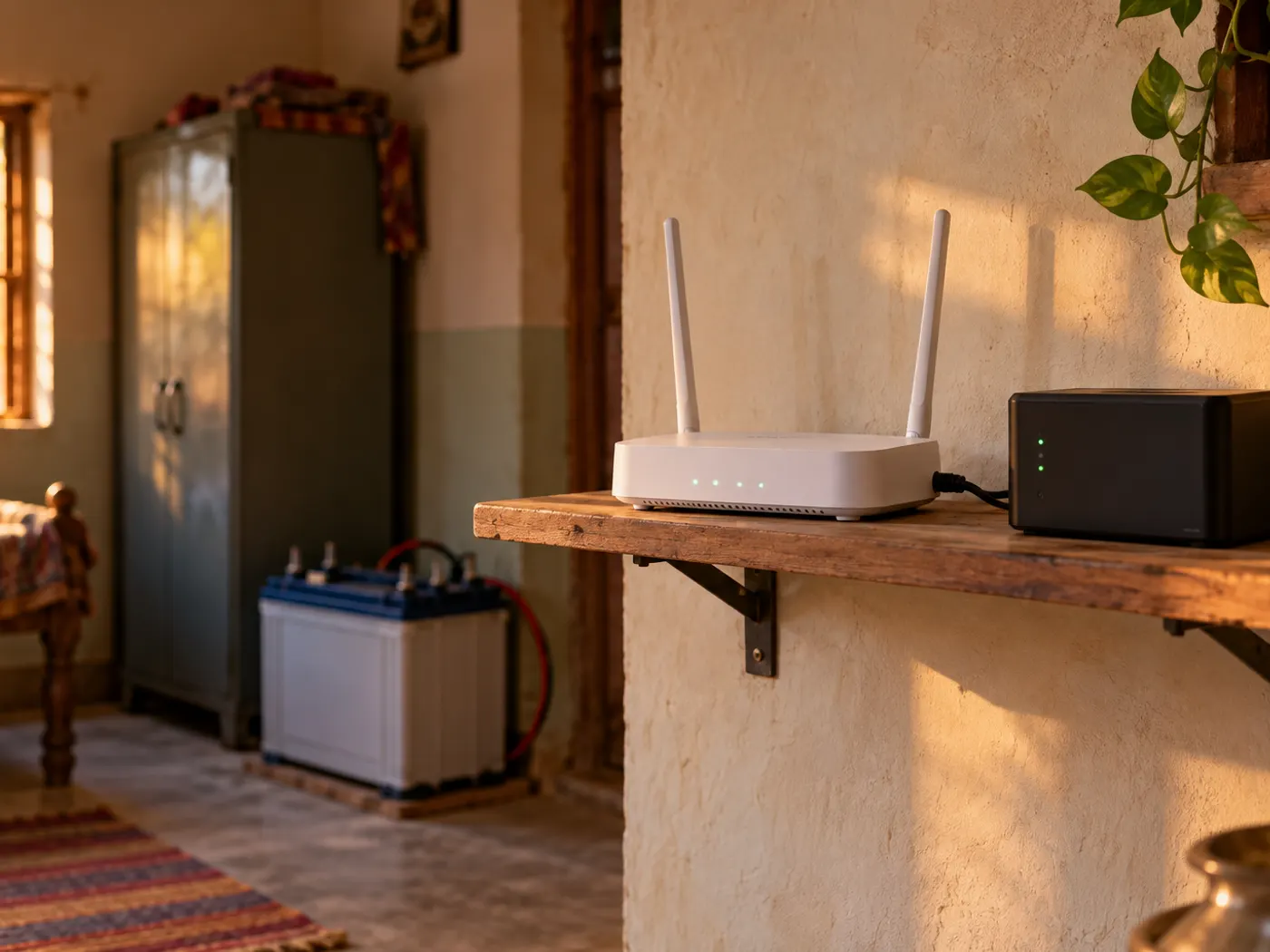
Put the router on power that does not stop when the mains does: the house inverter or a small DC UPS made for routers. With wireless broadband, the outdoor antenna needs backup too, or the router stays on with no internet behind it. This applies to connections such as wireless broadband around Kasni, where a small antenna at the home receives the signal.
- House inverter: if the router’s socket is on an inverter-backed circuit, it keeps running with the fans and lights. Ask your electrician which sockets are connected.
- Mini DC UPS for routers: a small battery box that plugs into the wall and feeds 12 V DC (some also offer 9 V or 5 V) to the router through a short DC cable. Many are built so the router keeps running through the switch-over.
- Outdoor antenna (CPE): in most wireless broadband setups the antenna is powered over its network cable by a small Power over Ethernet (PoE) adapter indoors. That adapter needs backup as well, either on the inverter circuit or on a UPS output that matches its voltage.
Runtime is simple arithmetic: runtime in hours ≈ battery watt-hours (Wh) ÷ load in watts. Watt-hours = volts × amp-hours. If a pack is rated in mAh at a cell voltage, Wh = mAh × cell voltage ÷ 1000.
An example with round numbers: a 40 Wh battery feeding a 6 W router gives about 6.7 hours in theory. Add an antenna drawing 4 W and the 10 W load runs for about 4 hours. Real runtime is shorter, because conversion to 12 V loses some energy and batteries age. Size the backup for your longest usual power cut, with a margin.
Test it once: switch off the mains in the evening and note how long the router and antenna stay online.
Can you use any 12V 1A adapter for a WiFi router?
Only if it matches on four points: the same voltage, the same polarity, a current rating equal to or higher than the original, and the same plug size. A wrong adapter can make the router restart at random or damage it.
- Voltage: must match exactly. Too high can damage the router; too low can cause restarts.
- Current: equal or higher is fine, because the router draws only what it needs. A 12 V 2 A adapter can replace a 12 V 1 A one; a 12 V 0.5 A adapter may overheat.
- Polarity: a small circle-and-dot symbol shows whether the centre pin is positive or negative. It must match the original.
- Plug: the barrel must fit firmly. A loose plug causes short drops that look like internet problems.
- Type: a phone charger gives 5 V over USB and will not run a 12 V router.
The same rules apply to a mini UPS output and to the antenna’s PoE adapter. With passive PoE, the adapter and antenna do not negotiate a voltage, so a mismatch is not caught automatically.
If your router and antenna were installed by your internet provider, ask them before swapping any adapter.
Should you turn off your WiFi router at night?
You can, but the saving is small and there are trade-offs. Switching off a 6 W router for 8 hours a night saves 6 × 8 × 30 ÷ 1000 ≈ 1.4 units a month. Whether that is worth it depends on what needs the network overnight.
| Point | Turning it off at night | Leaving it on |
|---|---|---|
| Electricity | Saves about 1.4 units a month at 6 W for 8 hours | Uses those units |
| Firmware updates | Updates set for night-time wait for the next chance | Routers that support scheduled updates can install them |
| CCTV | Phone viewing, alerts and any cloud backup stop | Remote viewing and alerts keep working |
| Phones and laptops | Overnight backups and app updates wait or use mobile data | Backups and downloads finish while you sleep |
| Morning | Router and antenna need a few minutes to reconnect | Internet is ready when you wake |
A middle path: many routers have a WiFi schedule that switches off only the wireless radios at set hours while the router stays on, so wired devices stay connected. If your CCTV cameras record to a recorder at home through the router or a network switch, keep those powered; local recording does not need internet, but it does need the local network.
Restarting the router now and then is fine. If speed is a regular problem, the cause is more often placement or range than the router needing rest; see our guide on WiFi slow problems and how to increase WiFi range.
Standby vs active: does an idle router use less power?
Only a little. Unlike a TV on standby, a router does not drop into a near-zero mode when nobody is browsing, because it has to stay ready for incoming traffic and keep its WiFi network visible. Its draw rises somewhat with heavy traffic and falls when features are switched off.
- Switch off a guest network or a WiFi band you never use, if coverage allows.
- Remove USB drives you no longer need from the router’s port.
- Use the WiFi schedule rather than pulling the plug for quiet hours.
Each step saves a little, depending on the model. A plug-in energy meter reading over a full day beats any rule of thumb.
How DVM Techno Can Help
DVM Techno provides wireless broadband in 37 villages around Kasni across Salhawas block and Jhajjar tehsil, from its branch office in Kasni. A small antenna at your home receives the signal over the air, with no cable laying or digging. Installation of the antenna and router is free and usually takes 2 to 3 hours. All four plans, from 30 Mbps to 200 Mbps, have unlimited data with no FUP. The local support team near Kasni is available by phone and WhatsApp on +91-8448523313 and can visit if something needs fixing. When you book, ask where the antenna’s power adapter will be plugged in, so you can keep it on the inverter circuit with the router.
Frequently Asked Questions
How much electricity does a WiFi router use per month?
Work it out from the watts: units per month = watts × 24 × 30 ÷ 1000. A router drawing 6 W uses about 4.3 units a month, and even the 12 W ceiling of a 12V 1A adapter works out to about 8.6 units. Actual draw is usually below the adapter rating. Multiply the units by the per-unit rate on your own electricity bill to see the cost.
Is a 12V 1A router adapter 12 watts?
Yes, 12 volts × 1 amp = 12 watts, but that is the most the adapter can supply, not what the router uses all the time. Adapters are sized with headroom for start-up, busy radios and USB devices. On a normal day the router draws less. A plug-in energy meter between the socket and the adapter shows the real figure for your model.
How long will a mini UPS run a WiFi router?
Divide the battery’s watt-hours by the load in watts. A 40 Wh battery running a 6 W router gives about 6.7 hours in theory; add a 4 W antenna and it falls to about 4 hours. Real runtime is shorter because of conversion losses and battery ageing. If the battery is rated in mAh, multiply by the cell voltage and divide by 1000 to get Wh.
Should I turn off my WiFi router at night?
It is your choice, but the saving is small: switching off a 6 W router for 8 hours a night saves about 1.4 units a month. In return, overnight firmware updates, phone backups and app downloads wait, and remote CCTV viewing stops. A WiFi schedule that turns off only the wireless radios is a middle path that keeps wired devices online.
Can I use a 12V 2A adapter instead of 12V 1A for my router?
Usually yes, if the voltage is the same, the polarity symbol matches and the plug fits firmly. The router draws only the current it needs, so a higher amp rating is safe. Never use a higher voltage, and avoid a lower current rating, which can overheat the adapter or make the router restart. If the provider installed it, check with them first.
Does the outdoor antenna need power backup for wireless broadband?
Yes. With wireless broadband, the outdoor antenna receives the signal, and in most setups it is powered over its network cable by a small PoE adapter indoors. If only the router is on the inverter or a UPS, the WiFi stays on during a power cut but there is no internet. Put the antenna’s PoE adapter on backup too, at a matching voltage.
Does a WiFi router use electricity when nobody is using the internet?
Yes. A router has no near-zero standby like a TV, because it must stay ready for incoming traffic and keep its WiFi network visible. Its draw is somewhat higher under heavy use and lower with fewer radios active, but it never falls to zero while switched on. Turning off unused bands or guest networks trims it a little.
Related articles
WiFi connection near Kasni?
Wireless broadband in 37 villages around Kasni with unlimited data and no FUP, free installation of the antenna and router, and local support from Kasni.