
Silani · Jhajjar, Haryana
CCTV Camera Installation in Silani, Jhajjar
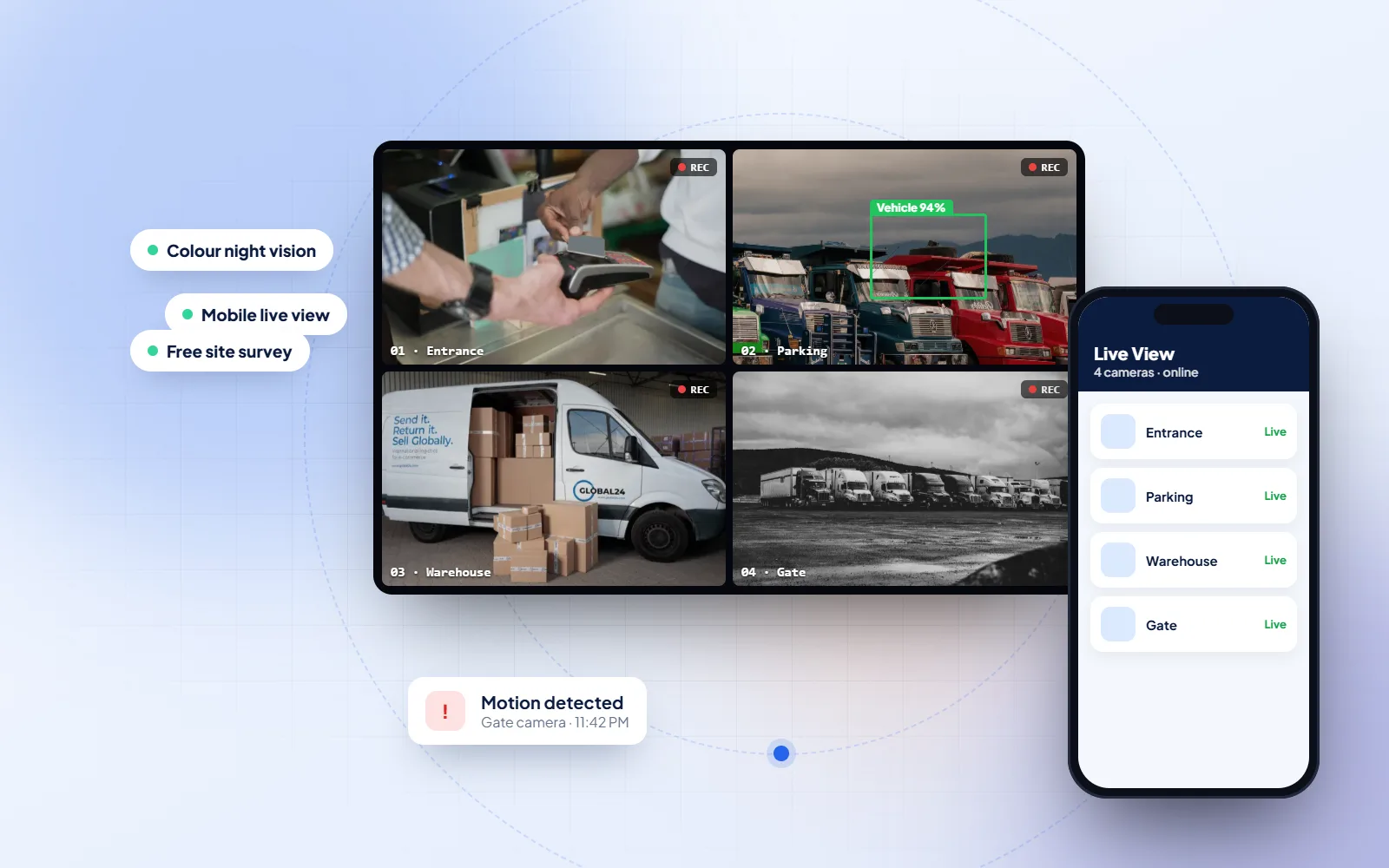
DVM Techno installs CCTV cameras in Silani, Jhajjar, from its branch office in Kasni, and sets them up so the whole family can watch them safely on their phones. A son working in Gurugram, a daughter married in another village and parents at home can each have their own login, while the main password stays with one person and is never passed around on WhatsApp.
- Live view on every family member's phone
- Separate logins, not one shared password
- Free site survey from our Kasni branch
Quick answer
Who installs CCTV cameras in Silani?
DVM Techno installs CCTV camera systems in Silani, Jhajjar district, from its branch office in Kasni (Salhawas tehsil). We fit HD cameras with a DVR, IP cameras with an NVR, colour night-vision, WiFi, cloud and PTZ cameras and video intercoms from Hikvision, Dahua, CP Plus, Uniview, Prama, Honeywell and Bosch, and set up live viewing on your phone. You get a free site survey and a written quote before any work starts. Call or WhatsApp +91-8448523313.
- Systems
- HD (DVR) and IP (NVR) cameras, colour night vision, WiFi, cloud and PTZ cameras, video intercom
- Brands
- Hikvision, Dahua, CP Plus, Uniview, Prama, Honeywell, Bosch
- Viewing
- Live view and playback on your phone
- Survey
- Free site survey and written quote · +91-8448523313
Which CCTV camera type do you need?
| Camera type | Recorder | Picture | Night vision | Best for |
|---|---|---|---|---|
| HD (analogue) camera | DVR | 720p–1080p | Black-and-white IR, about 20–30 m | Homes and small shops on a tight budget |
| IP camera | NVR | 2MP–8MP (up to 4K) | IR or full colour | New installations, offices and schools — sharpest detail and digital zoom |
| Colour night-vision camera | DVR or NVR | 2MP–4MP | Full colour, about 40–60 m | Gates, streets, parking and farm entrances |
| WiFi camera | None — SD card or cloud | 2MP–4MP | IR | Indoors, rented homes, places where wiring is difficult |
| PTZ camera | NVR | 2MP–4MP with optical zoom | IR | Large plots, fields and yards — one camera turns and zooms |
Silani
One house, many phones.
Silani is one of the villages of Jhajjar district; the district's list of revenue estates on Wikipedia records it as two estates, Silani Pana Kesho and Silani Pana Zalim. As in villages across the district, many families here have members who live and work elsewhere: in Jhajjar, in Bahadurgarh, in Gurugram or Delhi, or posted far away in the forces. For those families the most useful part of a CCTV system is often not the recorder in the house but the app on a phone a hundred kilometres away.
That convenience comes with a risk that is easy to overlook. A camera system is a small computer connected to the internet. If it keeps the password it came with, or if one simple password is shared with everybody who asks, anyone who gets hold of it can watch inside your gate and courtyard, change the settings or delete recordings. The safer way is the way online banking works: each person has their own account, and access needs more than just one shared code. Wikipedia describes multi-factor authentication as granting access only after a user presents two or more distinct types of evidence, and many camera apps now offer a version of it for their cloud accounts.
So when we hand over a system in Silani we do three things. We replace the default password on the recorder and cameras with a strong one that only the owner keeps. We share the cameras to other family members through the app's own sharing feature, so each person logs in with their own account and can be given live view, playback or both. And we show the owner how to remove a person's access in a minute, for example when a phone is lost, a worker leaves or a tenant moves out.
Sources: Wikipedia — Jhajjar district (revenue estates list) · Wikipedia — Multi-factor authentication
Safe phone access, as we set it up in Silani
- The factory default password changed on the recorder and every camera
- One admin login, kept by the owner and not forwarded on chat
- A separate account for each family member, shared through the app
- View-only or playback rights chosen person by person
- Two-step login switched on where the camera maker's app offers it
CCTV Camera Installation
Cameras you can watch from anywhere, safely in Silani.
Every system in Silani is set up for viewing away from home, with access that the owner controls.
- Live view and playbackWatch any camera live or scroll back through recordings in the maker's app, over mobile data or WiFi.
- A login for each personFamily members get their own access through the app's sharing feature instead of the owner's password.
- Strong passwordsDefault passwords replaced at installation, with two-step login turned on where the app supports it.
- Alerts on the phoneAI motion detection sends a notification when a person or vehicle is at the gate, not for every leaf.
- Colour night visionThe night view on your phone shows faces and clothes in colour, not grey.
- A screen at home tooThe recorder can also show all cameras on a TV or monitor for those who do not use a smartphone.
Process
How the work runs.
The same clear steps for every Silani project, with progress shared on WhatsApp.
- 01Tell us who will watchList the family members who should see the cameras, and from where: in Silani, in another town or abroad.
- 02Home visitOur Kasni team plans camera positions and checks the internet connection the recorder will use.
- 03Quote in writingCameras, recorder, storage and the viewing set-up written down before any work starts.
- 04Installation and passwordsCameras fitted, default passwords changed and the owner's admin account created.
- 05Sharing to familyEach person's phone added through the app and tested, with help from Kasni if someone needs adding later.
Brands
CCTV Brands and Camera Types We Install
We supply and install cameras and recorders from Hikvision, Dahua, CP Plus, Uniview, Prama, Honeywell and Bosch — IP cameras, WiFi cameras, cloud cameras and video intercoms — and help you pick the brand and model that suits your home, shop or farm.
 Hikvision
 Dahua
 CP Plus
 Uniview
 Prama
 Honeywell
 Bosch
- IP cameras
- WiFi cameras
- Cloud cameras
- Video intercom / video door phone
- HD dome and bullet cameras
- PTZ cameras
- Colour night-vision cameras
Brand names and logos are trademarks of their owners.
FAQs
CCTV Camera Installation in Silani — FAQs.
Straight answers to what Silani families and shopkeepers ask before they start.
Who installs CCTV cameras in Silani, Jhajjar?
DVM Techno, from its branch office in Kasni in Jhajjar district. We fit HD cameras with a DVR, IP cameras with an NVR, colour night-vision, WiFi and PTZ cameras in Silani, and set up live viewing on your phone and on the phones of family members, each with their own login. A free site survey and a written quote come first. Call or WhatsApp +91-8448523313, Monday to Saturday, 9 AM to 7 PM.
How can my whole family see our CCTV on their phones?
The owner's account adds the others through the camera app's sharing feature. Each person installs the same app, creates their own account, and is given access to the cameras the owner chooses. That way nobody needs the main password, and the owner can see who has access.
Is it safe to share the CCTV password on WhatsApp?
It is better not to. A password forwarded in a chat can be forwarded again, and anyone with the admin password can watch, change settings or delete recordings. Share access through the app's own sharing feature instead, and keep the admin password with one person.
Can someone hack my CCTV camera?
A system left on its factory password, or with old firmware, is far easier to break into. Changing every default password, using a strong admin password, turning on two-step login where the app offers it, and updating the recorder's firmware when the maker releases fixes all make it much harder. We do the first three at installation.
Can I watch my village CCTV from another city or abroad?
Yes, as long as the recorder at home is online. The app connects to it over the internet from wherever your phone has data. If the house internet or the power goes off, live view stops until it is back, so it helps to put the router and recorder on an inverter or UPS.
How do I remove someone's access to our cameras?
Open the sharing settings in the app from the owner's account and remove that person; their phone stops showing the cameras straight away. Do it whenever a phone is lost or sold, a worker leaves or a tenant moves out. If you think the admin password itself has leaked, change it too.
Can older family members without a smartphone see the cameras?
Yes. The recorder can show all the cameras on a TV or a monitor in the house, split into a grid. Parents at home can glance at the gate on the TV, while family members away use the phone app.
Which camera types and brands can I get in Silani?
HD dome and bullet cameras on a DVR, IP cameras on an NVR, WiFi cameras for rooms where wiring is hard, cloud cameras whose footage you view and store through the maker's cloud app, PTZ cameras for a big plot, colour night-vision cameras and a video door phone at the gate. We install Hikvision, Dahua, CP Plus, Uniview, Prama, Honeywell and Bosch, and set up the app for that brand on every phone you name.

CCTV Installation for Homes and Shops in Silani
Call or WhatsApp +91-8448523313 · Mon–Sat, 9 AM – 7 PM · info@dvmtechno.com