
30 Mbps
Basic
₹400 / month · incl. GST
- Unlimited data
- No FUP
- Free installation, over the air
- Local support from Kasni
- For one or two users
Kunjia · Jhajjar tehsil · Haryana
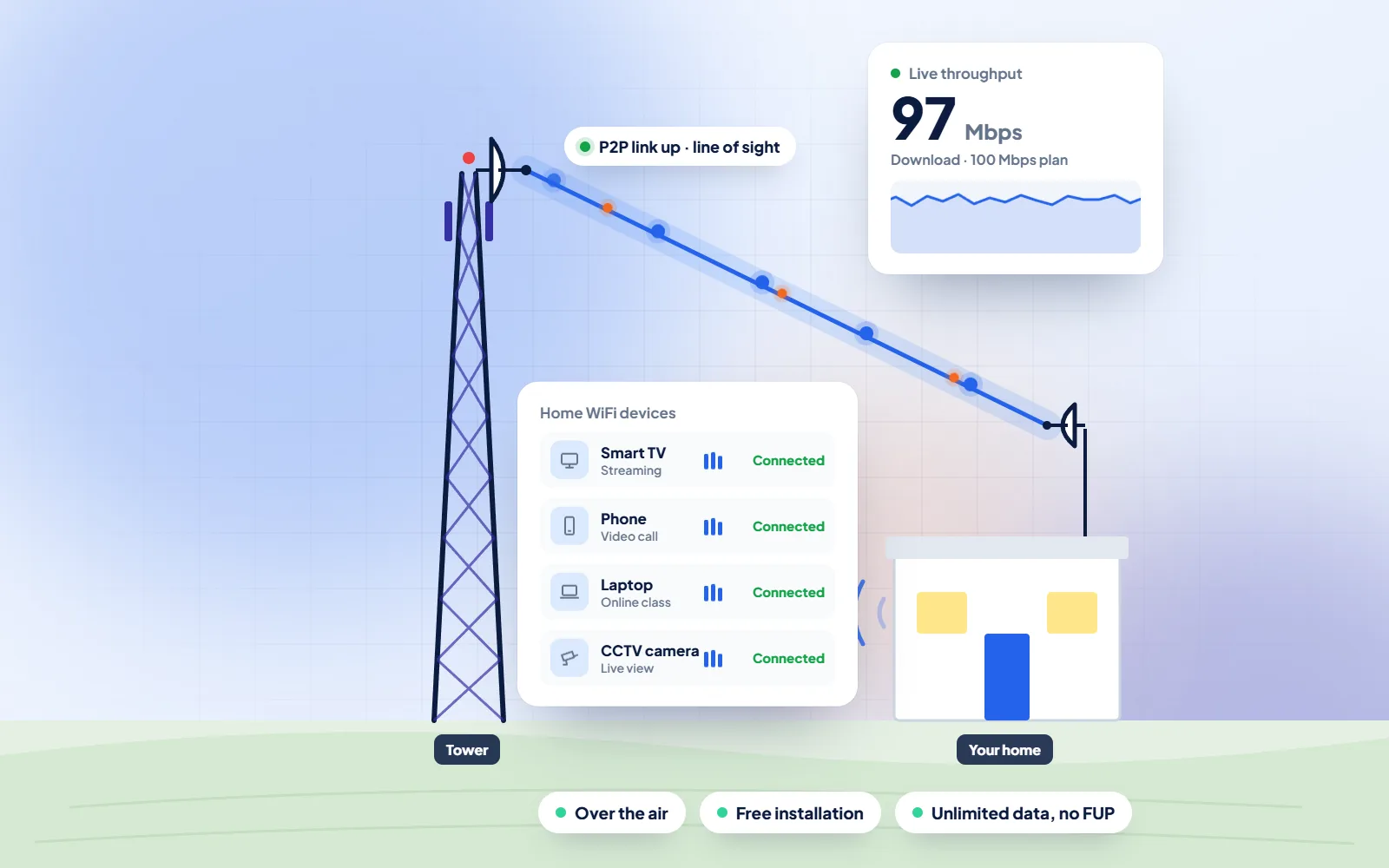
DVM Techno supplies WiFi broadband in Kunjia, Jhajjar, from its branch office in Kasni, over the air to a rooftop antenna with no cable to lay. For parents the questions are usually about school: whether the line will hold an online class without freezing, and how to keep younger children away from what they should not see.
Quick answer
DVM Techno provides wireless broadband internet in Kunjia, Jhajjar district, from its branch office in Kasni (Salhawas tehsil). The connection reaches your home over the air, so no cable has to be laid to your house. There are four plans — Basic 30 Mbps at ₹400 a month and Starter 50 Mbps at ₹600 a month (GST included), plus Standard 100 Mbps and Premium 200 Mbps — all with unlimited data and no FUP or speed throttling. Installation is free. Call or WhatsApp +91-8448523313 to check coverage at your address and for 100 and 200 Mbps prices.
| Plan | Speed | Price (incl. GST) | Good for |
|---|---|---|---|
| Basic | 30 Mbps | ₹400/month | One or two users: online classes, UPI and net banking, WhatsApp and video on one device |
| Starter | 50 Mbps | ₹600/month | Online classes and coaching apps, UPI and net banking, WhatsApp Business, HD video on one or two devices |
| Standard | 100 Mbps | Call or WhatsApp | Families with several phones and a smart TV, work-from-home video calls |
| Premium | 200 Mbps | Call or WhatsApp | Shops and offices, 4K streaming, remote CCTV viewing, many devices at once |
All plans have unlimited data with no FUP, and installation is free. Prices include GST; call or WhatsApp for the 100 and 200 Mbps rates.
Kunjia
Kunjia appears in Wikipedia's Jhajjar district article as one of the revenue villages of Jhajjar tehsil, in the tehsil-wise list that also includes Kasni, where our branch office is. Wikipedia has no separate article on Kunjia, so we quote no village population. For the district as a whole, the same article reports a literacy rate of 80.8% at the 2011 Census.
School work has moved partly onto screens. Children join a recorded or live class, download worksheets, watch lessons on YouTube or DIKSHA, practise on test apps and send homework photos to a teacher's WhatsApp group. A live class is the hardest of these: the video has to keep flowing both ways for forty minutes, and a connection that stalls or a data pack that ends halfway means the child misses part of the lesson. A home line with unlimited data takes away the second worry completely and, set up properly, the first as well.
The other half of a parent's question is safety. Wikipedia's article on parental controls groups them into four kinds: content filters that limit access to unsuitable material, usage controls such as time limits, tools that manage which software is used, and monitoring. It also points out that filters can sometimes be bypassed, for instance through private browsing, so no single setting does the whole job. In practice that means using several layers together: a supervised Google account on the child's phone, YouTube's settings for children, SafeSearch in the browser, a router password the children do not know, and a rule that the tablet stays in the family room.
Sources: Wikipedia — Jhajjar district · Wikipedia — Parental controls
Simple safety steps for a child's device
WiFi Broadband
What a home connection in Kunjia does for children's studies and how parents can keep it safe.
Process
The same clear steps for every Kunjia project, with progress shared on WhatsApp.
Broadband Plans
Every plan includes unlimited data with no FUP, free installation over the air and local support. Prices include GST; call or WhatsApp for 100 and 200 Mbps rates.
30 Mbps
₹400 / month · incl. GST
50 Mbps
₹600 / month · incl. GST
100 Mbps
Call or WhatsApp
200 Mbps
Call or WhatsApp
FAQs
Straight answers to what Kunjia families and shopkeepers ask before they start.
DVM Techno provides wireless broadband in Kunjia, Jhajjar, from its branch office in Kasni, which covers 37 villages. A small antenna on your roof receives the signal over the air and a router gives WiFi to every phone, tablet and TV in the house. Call or WhatsApp +91-8448523313 for a free signal survey.
Basic 30 Mbps is 400 rupees a month and Starter 50 Mbps is 600 rupees a month, GST included. For Standard 100 Mbps and Premium 200 Mbps, call or WhatsApp our Kasni team for the current price. Installation of the antenna and router is free.
No. All plans have unlimited data and no FUP, so long online classes and revision videos do not slow the connection later in the month.
Around 2 to 3 hours once the free survey is complete. In most villages served from Kasni, the internet starts on the same day.
No. The service is wireless: the signal comes through the air to the antenna on your roof, so there is no phone line, no street cable and no digging.
One child in a live class at a time usually manages well on Basic 30 Mbps or Starter 50 Mbps. If two children attend classes together while a parent makes calls or the TV is on, Standard 100 Mbps gives more room. Tell us how many devices are used at the same time and we will suggest a plan.
Use several layers: a supervised account on the child's phone or tablet, SafeSearch in the browser, YouTube's settings for children, and screen-time limits. Some routers also have parental-control or schedule settings. No single filter catches everything, so keeping devices in a shared room and talking to children about what they see still matters.
Yes. You can set bedtime hours in the supervised account on each child's device, and on many routers you can pause the internet for chosen devices. Our team can show you what the router fitted at your home allows.

Call or WhatsApp +91-8448523313 · Mon–Sat, 9 AM – 7 PM · info@dvmtechno.com