
On this page
- Where does CCTV actually help in a clinic or small hospital?
- Where must cameras never go?
- Camera placement table for a clinic
- Should clinic cameras record audio?
- What should your CCTV notice say, and who can view footage?
- How long should you keep footage, and what about police or patient requests?
- Does the DPDP Act apply to CCTV footage, and should it stay on site?
- How DVM Techno Can Help
- FAQs
Key takeaways
- Cameras belong in shared areas such as the entrance, reception, pharmacy counter, corridors, parking and cash desk, not where patients are examined, treated or undress.
- Switch off audio on clinic cameras unless you have a clear reason and legal advice, because reception conversations often include health details.
- Put up clear CCTV notices, limit who can view and export footage, and keep a written rule for how long footage is kept and when it is deleted.
- Footage of identifiable people stored digitally is likely to be personal data under the DPDP Act, 2023, so treat it with the same care as patient records.
Where does CCTV actually help in a clinic or small hospital?
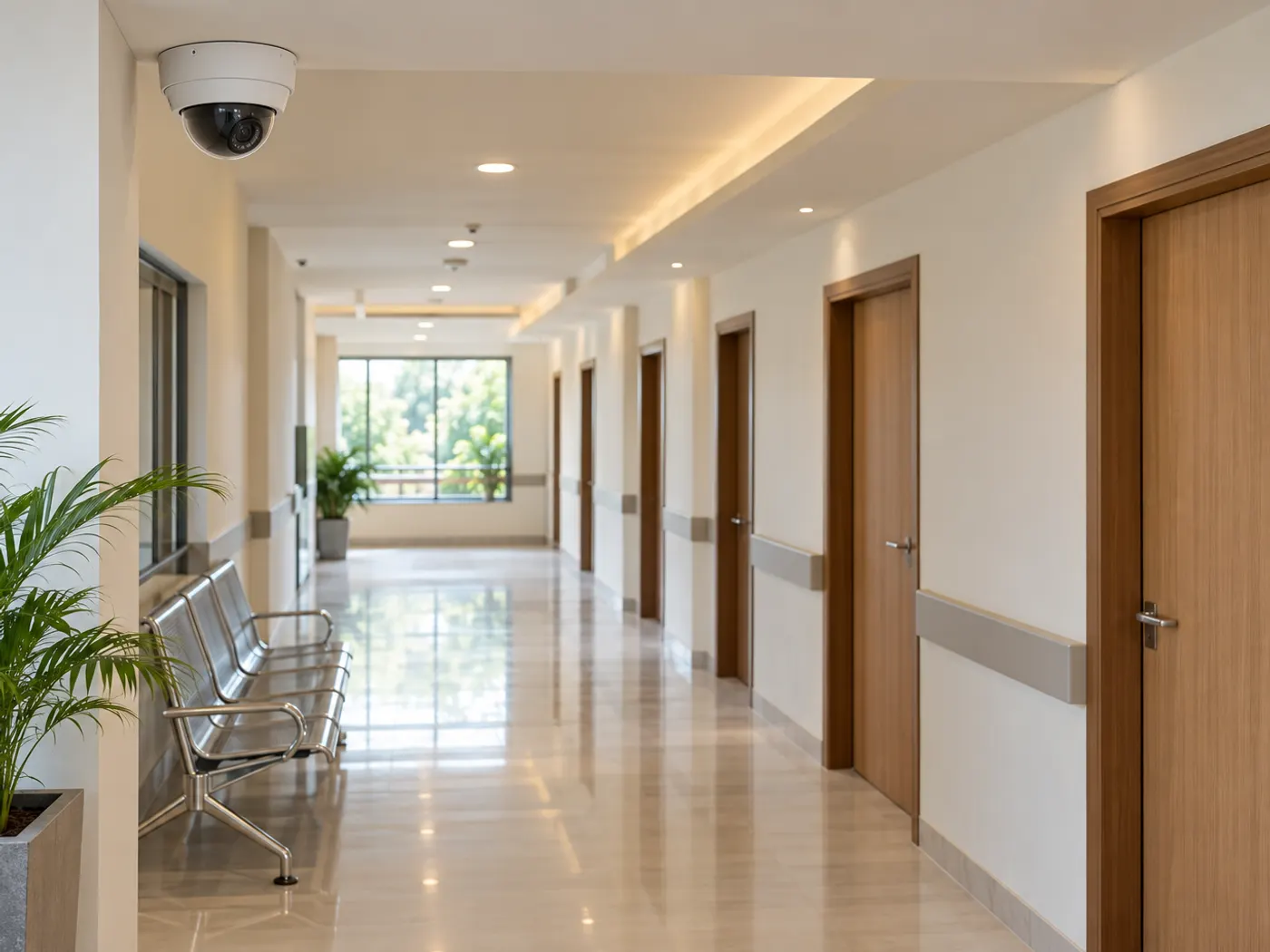
CCTV helps most in shared, public-facing areas where disputes, theft or safety incidents happen: the entrance, reception, pharmacy counter, corridors, parking and the cash desk. These are places where people already expect to be seen, and where a clear recording can settle a question quickly.
- Entrance and exits: who came in and when, including after hours and at emergency doors.
- Reception and waiting area: queue disputes, aggression towards front-desk staff and items left behind.
- Pharmacy counter: what was handed over, and stock moving in or out of the dispensing area.
- Cash or billing desk: cash handling and payment disputes, with the camera behind the cashier looking at the counter, not at a keypad.
- Corridors and stairs: movement between floors, falls and unattended areas at night.
- Parking and the gate: vehicle damage, ambulance access and anyone loitering near the building.
A clinic on Sohna Road or a nursing home in a DLF phase usually needs only a handful of cameras to cover these points well. More cameras are not the goal. Good angles, decent night images and a recorder that keeps running after a power cut matter more. Our guide to CCTV camera types helps you match dome, bullet and night-vision cameras to each spot.
Where must cameras never go?
Keep cameras out of consultation rooms, examination and procedure rooms, toilets and changing areas. These are places where patients undress, describe symptoms or receive treatment, and recording them can expose exactly what a clinic is trusted to keep private.
We did not find an official Indian guideline that lists rooms where clinics may not place CCTV, so treat this as privacy good practice rather than a quoted rule. The law does draw a hard line in places, though. Section 66E of the Information Technology Act, 2000 makes it an offence to capture or share images of a person’s private area without consent where they reasonably expect privacy, and a camera that can see a changing area or an examination couch creates that risk.
- Consultation and doctor’s chambers
- Examination rooms, ultrasound and ECG rooms, and physiotherapy cubicles
- Procedure rooms, minor OT, dressing rooms and labour rooms
- Toilets, washrooms and the area just outside their doors
- Changing areas for patients and for staff
- Ward beds and recovery areas, unless clinical staff decide there is a specific safety need
Check every angle on the live screen, not on a drawing. A corridor camera can still see inside a consultation room through an open door, or into a toilet through a mirror. Re-aim it or use a privacy mask.
Camera placement table for a clinic
Use this table as a starting plan, then adjust it to your floor layout and the advice of your doctors and lawyer.
| Area | Camera? | What it should see | Privacy note |
|---|---|---|---|
| Main entrance and gate | Yes | Faces of people entering, door and approach | Notice sign at the door |
| Reception and waiting area | Yes | Counter and seating from above | Audio off; avoid screens showing patient records |
| Pharmacy counter | Yes | Counter top and dispensing shelf | Do not zoom on prescriptions |
| Cash or billing desk | Yes | Cash drawer and counter | Never point at the card or UPI keypad |
| Corridors and stairs | Yes | Length of the corridor | Mask views into room doors |
| Parking and ambulance bay | Yes | Vehicles, gate and drop-off point | Keep neighbours’ property out of frame |
| Medicine store room | Yes, if needed | Door and shelves | Limit viewing to the owner or manager |
| Consultation and examination rooms | No | None | Private conversations and exams |
| Procedure, labour and recovery rooms | No, by default | None | Only on a documented clinical decision |
| Toilets and changing areas | Never | None | Includes the doorway and mirrors |
Should clinic cameras record audio?
In most clinics, no. Turn off the microphone on every camera unless you have a specific reason and legal advice. At a reception desk, patients say their names, phone numbers and often their symptoms out loud, so an audio track can record health information that video alone would not.
Many IP cameras ship with a built-in microphone, and some have it switched on by default. Check the audio setting in each camera and in your recording software after installation, and again after any firmware update or camera reset. If you believe audio is needed for a security reason, such as aggression at an emergency entrance, write down why, keep it to that one point and mention it on the notice sign.
What should your CCTV notice say, and who can view footage?
Put a clear CCTV notice at each entrance, and allow only a few named people to view, play back or export footage. A notice tells patients and visitors what is being recorded. Access rules decide who can actually see it.
- Notice wording: that CCTV is in use, the purpose (safety and security), that consultation rooms and toilets are not recorded, and who to contact with questions.
- Languages: English and Hindi, in large print, at eye level near the entrance and reception.
- Live view: reception or the guard can watch the entrance and parking, but not play back old footage.
- Playback and export: only the owner, administrator or a named manager.
- Settings: only one administrator account, never a shared password.
- Audit log: software that records who viewed or exported footage, so access can be checked later.
Do not show the CCTV monitor where waiting patients can see it. Place it at the manager’s desk or in a back office.
How long should you keep footage, and what about police or patient requests?
Decide a fixed retention period in writing, let the recorder overwrite older footage automatically, and save only the clips you need for an incident. Keeping everything forever adds risk without adding much value.
Many small clinics keep a few weeks of rolling footage, but the right period depends on your disk space and legal advice. Note that the DPDP Rules, 2025 contain one-year retention requirements for certain personal data and processing logs in Rules 6 and 8, and it is not yet settled how they apply to rolling CCTV footage. Ask a lawyer before you fix the number, and keep your recording software’s access and export logs in any case.
- Police request: ask for a written request or notice, such as an order under Section 94 of the Bharatiya Nagarik Suraksha Sanhita, 2023, and note the officer’s name and station.
- Export the exact clip: only the time range and cameras asked for, in original quality.
- Record the hand-over: date, time, cameras, clip length and who received it.
- Patient request: verify identity, export only the relevant minutes, and blur or crop other patients where you can.
- Lock the clip: stop it from being overwritten until the matter is closed, then delete it.
Does the DPDP Act apply to CCTV footage, and should it stay on site?
Very likely yes. The Digital Personal Data Protection Act, 2023 defines personal data as data about an individual who is identifiable by or in relation to it, and digitally recorded footage of a recognisable patient fits that wording. The Act does not mention CCTV by name, so how notice, consent and rights apply to cameras is not spelled out yet.
Most duties under the Rules start 18 months after their publication in November 2025, as described in the PIB release of 14 November 2025. Section 8(5) of the Act already sets the direction: protect the data with reasonable security safeguards. Section 17(1)(c) exempts processing for preventing, detecting or investigating offences from several duties, which matters when police ask for footage. Our DPDP Act checklist for clinic websites covers the rest of your patient data.
Where the footage is stored is part of that safeguard. On-site recording keeps video on disks inside your clinic, works when the internet is down and needs no upload bandwidth. Cloud recording is easy to view from anywhere, but footage of patients sits with an outside provider, so check their contract and access controls. Read our on-premise vs cloud CCTV storage guide before you decide.
This is general information, not legal advice. Ask a lawyer how the DPDP Act, the IT Act and any health regulations apply to your clinic.
How DVM Techno Can Help
DVM Techno makes DVM VigiCore, on-premise video management software for Windows. It records IP cameras locally, keeps footage and AI processing on your own hardware, and has roles, permissions and an audit log, so you can decide who views, plays back or exports video. Lossless clip export helps when you hand footage to police. The free download works with up to 4 cameras without a licence. Our Kasni team also offers CCTV installation around Kasni and Jhajjar. Call +91-8448523313.
Frequently Asked Questions
Can a clinic install CCTV in the consultation room?
Generally, no. We did not find an official Indian rule that lists permitted rooms, but consultation and examination rooms are where patients describe symptoms and undress, and Section 66E of the IT Act, 2000 punishes capturing images of private areas without consent. Keep cameras in shared areas such as the entrance, reception, corridors and pharmacy counter, and take legal advice on any exception.
Is CCTV footage personal data under the DPDP Act?
Very likely, when it shows people who can be identified. The DPDP Act, 2023 defines personal data as data about an individual who is identifiable by or in relation to it, and it applies to data in digital form. The Act does not name CCTV, so treat clinic footage like patient records: limit access, protect it and delete it on a schedule. Ask a lawyer for your case.
How long should a clinic keep CCTV footage?
There is no single number that fits every clinic. Set a written retention period based on legal advice and disk space, let the recorder overwrite older footage automatically, and lock clips needed for an incident until it is closed. The DPDP Rules, 2025 contain one-year retention requirements for some personal data and logs, and how they apply to CCTV is not yet settled.
Should a patient be given CCTV footage if they ask?
Treat it as a formal request. Confirm the person’s identity, ask for the date and time, and export only the minutes that involve them. Blur or crop other patients where you can, record what was shared and with whom, and take legal advice if the clip shows other people clearly or relates to a dispute with the clinic.
Is cloud or on-site recording better for a clinic?
On-site recording keeps patient footage on disks inside the clinic, keeps working during internet outages and needs no constant upload. Cloud recording is easier to view remotely but places footage with an outside provider, so you must check their contract, access controls and storage location. Many small clinics record on site and add an optional backup to storage they control.
Related articles
Keep clinic footage inside your building
Try DVM VigiCore free with up to 4 cameras, with roles, an audit log and local recording on your own Windows PC.