
On this page
- Why does a gym’s Google Business Profile matter so much in a town?
- Which categories and name should a gym use?
- How should a gym set hours, festival hours and attributes?
- Which photos, videos, posts and services bring trial enquiries?
- How can a gym ask for reviews without breaking Google’s rules?
- How do you link the profile to trial bookings and track calls and WhatsApp clicks?
- What commonly gets a gym profile suspended, and what should you check each month?
- How DVM Techno Can Help
- FAQs
Key takeaways
- Pick one primary category that says what the business is, add extra categories only for what members actually come for, and keep the name exactly as on your signboard.
- Set special hours for every festival and holiday, even when you stay open, so members do not arrive to a locked shutter.
- Ask every member for a review the same way, never with a free week or discount in return, and reply to every review without personal details.
- Send profile visitors to a trial-booking page on your own website and measure calls, website clicks and WhatsApp enquiries every month.
Why does a gym’s Google Business Profile matter so much in a town?
When someone in a town searches "gym near me" or "ladies gym" on their phone, Google usually shows a map with a handful of profiles before any website. Your profile answers the first questions: what kind of gym you are, where you are, when you open and what members say.
This guide covers the gym-specific decisions: categories, festival hours, attributes, photos, reviews, trial bookings and tracking. For the general setup steps (claiming, verification, address versus service area) see our Business Profile optimisation guide. The profile works well alongside a fast gym website design that holds your full timetable and trial booking. Google changes profile features often, so check what your own editor shows.
Which categories and name should a gym use?
Choose one primary category that completes the sentence "This business IS a…", and use your real-world name with nothing added. Google’s guidelines for representing your business ask you to use as few categories as possible and to make them specific but representative of the main business.
Google’s own example is useful for gyms: for a health club that has a pool, "Health club" is the correct category, while "Gym" and "Swimming pool" are listed as wrong, because the business has a pool but is not a pool. Its category help page adds that you cannot create your own category.
- Primary category: the one thing members come for. Type "gym", "fitness", "yoga", "boxing" or "martial arts" in the editor and pick the most specific match from Google’s list.
- Additional categories: only for something you run as its own offering, such as a full yoga studio, not one stretching batch a week.
- Leave out: a juice bar or supplement counter. Google says an independently run cafe inside a health club needs its own profile, not an extra category on the gym’s.
- Name: exactly as on your signboard, website and GST or shop registration. Google says unnecessary information in the name is not permitted and could result in suspension.
So "[Your Gym Name]" is fine if that is what the board says. "[Your Gym Name] Gym Fitness Centre Unisex Sector 14 Near Bus Stand" is keyword stuffing. Put the sector and landmark in the description instead.
How should a gym set hours, festival hours and attributes?
Enter your real regular hours, add special hours for every festival or holiday, and switch on only the attributes that are true. Wrong hours are the quickest way to lose a new member’s trust.
If you run morning and evening sessions with an afternoon gap, enter both blocks for each day. Google’s special hours page says you can set special hours for holidays and events when you change hours or close for up to 6 days in a row, and that you should confirm holiday hours even when they match your regular hours. For 7 or more days, mark the business temporarily closed instead.
- In January, list the year’s festival and holiday dates that affect you: Holi, Diwali and the day after, Raksha Bandhan, Dussehra, Independence Day, Republic Day and local fair days.
- Add special hours for each date a week before it, including the days you stay open as usual.
- Add any polling day or local closure as soon as it is announced.
Attributes are the yes/no details on the profile. Google’s attributes page says availability varies by country and category, and some come from customer input. Accessibility attributes have strict meanings: a wheelchair-accessible entrance, for example, must be at least one metre wide with no steps. Mark "Women-owned" only if it is. If you run women-only batches or a separate ladies’ section, say so in the description and services list; do not hunt for an attribute that does not match.
Which photos, videos, posts and services bring trial enquiries?
Real, recent photos of your floor, equipment and entrance do more than any filter or stock image. Google’s photo guidelines say images should be in focus, well lit and "represent reality", without significant alterations or excessive filters. Photos should be JPG or PNG between 10 KB and 5 MB (720 × 720 px recommended); videos can be up to 30 seconds, up to 75 MB, at 720p or higher.
- Entrance and building: so a first-timer can find the stairs or gate from the road.
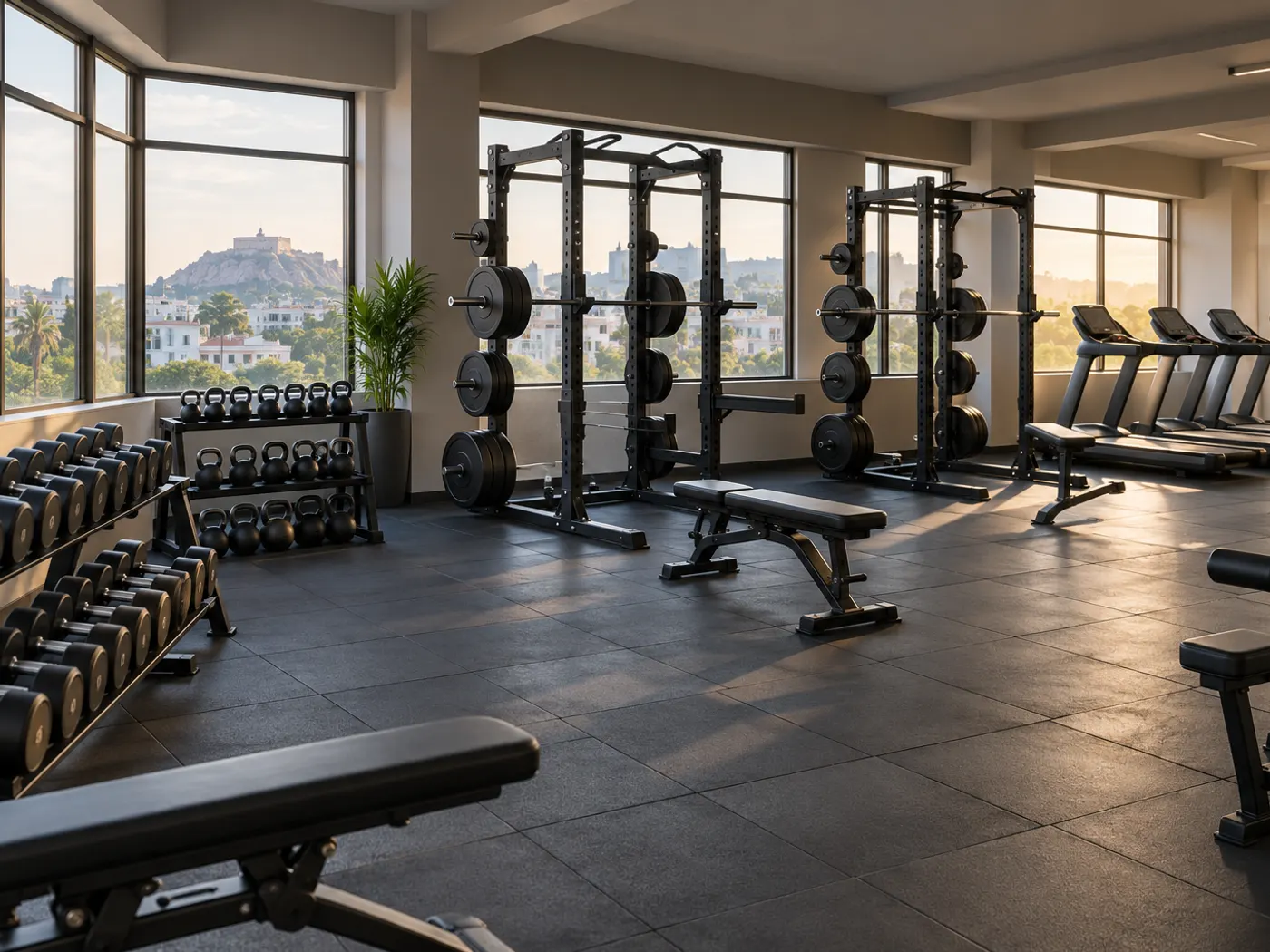
- Floor and equipment: the free-weights area, racks, cardio row and functional zone, shot wide in daylight.
- Changing rooms and lockers: what women members and parents often ask about.
- Short videos: a 20-second walk-through, filmed only with members’ permission.
- Avoid: photos of a handwritten timings board. Batches change and old photos stay up. Keep timings in hours, services and your website’s timetable.
Posts keep the profile current: a new batch, a festival closure or a membership offer described by what it includes, not by price. Google’s posts policy says it may remove posts with unverified contact information, so use the Call button instead of typing a number into the post.
Services: the services editor lets you list programmes with short descriptions, such as strength training, personal training, ladies’ batch, kids’ fitness, yoga or kushti. Questions and answers: Google has been changing this feature and it may not appear on your profile. Put common answers (parking, ladies’ timings, trial process) in your description and website FAQ.
How can a gym ask for reviews without breaking Google’s rules?
Ask every member the same way, offer nothing in return, and reply to every review. Google’s fake engagement policy says merchants may not offer incentives such as payment, discounts or free goods or services in exchange for a review, may not selectively solicit positive reviews, and may not ask staff to solicit a set number of reviews. Reviews based on a conflict of interest, including current or former employment, are also not allowed.
That rules out a free week or a shaker bottle for a review, asking only loyal regulars, and trainers reviewing their own gym. Google’s review tips allow a review link or QR code, so use those.
- Copy the review link from the profile and keep it on the front-desk phone.
- Put a QR code at reception, near the exit rather than the weighing scale.
- Ask every member after their first month and at renewal, the same way.
- Reply to each review within a few days; answer complaints calmly and fix the issue.
Never mention a member’s weight, injury, medical condition or membership details in a public reply. Google says replies are posted publicly under the review and the customer is notified.
How do you link the profile to trial bookings and track calls and WhatsApp clicks?
Point the profile’s website link to your gym’s page, put a trial-booking page in the booking link, add WhatsApp to the Chat field if Google offers it, and tag the links so you can measure them.
Google’s business links policy says booking links cannot be messaging links, link shorteners or social media pages, and must load a working page that lets the customer finish the action, without a login wall or CAPTCHA. So send the booking link to a trial page on your own site, with a short form and a WhatsApp button. Separately, Google’s chat help page lets verified profiles add a WhatsApp click-to-chat link in the Chat field, in select regions only; if you add both WhatsApp and text, only text is shown.
| What to measure | Where to find it | What it tells a gym owner |
|---|---|---|
| Calls | Business Profile performance report | Taps on the call button; add your phone number or it is not tracked |
| Website clicks | Performance report and website analytics (with a tagged link) | How many people moved from the profile to your site |
| Directions | Performance report | People planning to walk in for a trial |
| WhatsApp button taps on your site | An analytics event on the button | Trial enquiries that never show up as calls |
Google’s performance help page says data is available only for verified profiles. Add a tag such as ?utm_source=google&utm_medium=organic&utm_campaign=gbp to the website and trial links so analytics separates profile visitors from other traffic. A website built for gyms can also ask "where did you find us?" in the trial form.
What commonly gets a gym profile suspended, and what should you check each month?
Most suspensions come from a profile that does not match the real business: a stuffed name, a wrong address, duplicate listings or manipulated reviews. If it has already happened, follow our step-by-step guide on a suspended Google Business Profile.
- Adding "gym", "fitness", "unisex" or a sector name to the business name when it is not on the signboard.
- A second profile for the same gym, or a profile for a branch that is not open and staffed.
- A residential address or a shared desk used as the gym’s address.
- Rewarded reviews, reviews only from happy members, or reviews from trainers and staff.
- Many big edits to name, address and category within a few days.
| Item | Check | How often |
|---|---|---|
| Name | Matches signboard, website and registration | Once, then after any rebrand |
| Categories | One specific primary, extras only for real offerings | Every six months |
| Hours | Morning and evening blocks correct | When batches change |
| Special hours | Every festival and holiday entered in advance | Monthly |
| Photos and videos | Recent, real, no stock or heavy filters | Monthly |
| Reviews | Every review replied to, no incentives | Weekly |
| Links | Website, trial page and WhatsApp open correctly | Monthly |
| Performance | Calls, website clicks, directions and messages noted | Monthly |
How DVM Techno Can Help
DVM Techno is a web and software company in Gurgaon, with a branch in Kasni, Jhajjar, that builds fast, mobile-friendly, SEO-ready websites and helps with local SEO and Google Business Profile. We can build your gym’s trial page and branch pages to link from the profile. Gyms that also need the desk side can look at Balvira, the gym management software built by DVM Techno, which asks members for a review at most once a quarter and sends dues reminders from your own WhatsApp number. For keeping the members you win, see our guide to gym member retention.
Frequently Asked Questions
Which Google Business Profile category should a gym choose?
Choose the single most specific category that describes what the business is, such as Gym or Health club, by typing into the category editor and picking from Google’s list. Add extra categories only for offerings you genuinely run as their own service, such as a full yoga studio. Do not add categories for a juice counter, supplements or one occasional class.
Can I add my area or "fitness centre" to my gym’s name on Google?
Only if it is part of the real name on your signboard, website and registration. Google’s guidelines say unnecessary information in the business name is not permitted and could lead to suspension. Put your sector, landmark, ladies’ batches and programmes in the description and services list instead, where they still help people find and choose you.
Can I give members a free session or discount for a Google review?
No. Google’s fake engagement policy says businesses may not offer incentives such as payment, discounts or free goods or services in exchange for a review, and incentivised reviews are removed. You also should not ask only happy members or set review targets for trainers. Ask every member the same way with your review link or a QR code.
How do I show festival closures on my gym’s Google profile?
Use special hours in the profile editor for each holiday or festival date, such as Diwali or Holi, and enter them a week ahead. Google says to confirm holiday hours even when they match your regular hours. Special hours cover closures of up to six days in a row; for longer breaks, mark the business temporarily closed.
Can I put my WhatsApp link as the booking link on my profile?
No. Google’s business links policy does not allow messaging links, link shorteners or social media pages as booking links. Use a trial-booking page on your own website instead, with a form and a WhatsApp button. Where Google offers it, you can separately add a WhatsApp click-to-chat link in the profile’s Chat field under contact details.
Related articles
Want your gym’s profile and website working together?
Tell us your branches, batches and trial process, and we will plan a website your Google profile can point to.