
On this page
- Is fingerprint or face data personal data under the DPDP Act?
- When do the DPDP Rules 2025 apply to gyms?
- What must consent and notice look like at the front desk?
- Why should a gym offer a non-biometric alternative?
- How do QR, RFID, fingerprint, face, kiosk and phone check-in compare?
- Why does on-device matching reduce risk?
- What security, retention and deletion steps should a gym take?
- How Balvira Can Help
- FAQs
Key takeaways
- Fingerprints, face scans, phone numbers and attendance logs are all personal data under the DPDP Act, and the gym is responsible for them.
- Most core duties under the DPDP Rules 2025, including notice, security safeguards, breach reporting and erasure, apply 18 months after the Rules were notified on 13 November 2025.
- Offer a non-biometric way in, such as a QR code, RFID card or desk check-in, so consent to biometrics is a real choice.
- On-device matching, where the reader keeps the template and the software stores only an identifier, keeps biometric data out of your main database.
Is fingerprint or face data personal data under the DPDP Act?
Yes. The Digital Personal Data Protection Act, 2023 defines personal data as "any data about an individual who is identifiable by or in relation to such data", and a fingerprint or face template clearly identifies a person. The Act does not create a separate "sensitive" category, but biometric data deserves extra care because a member cannot change their fingerprint after a leak.
The Act covers personal data collected in digital form, and data collected on paper that is digitised later. So a joining form that the desk types into software is covered too. In DPDP terms, the gym is the Data Fiduciary: it decides why and how member data is used. The software company is usually a Data Processor, and the Act says a processor may be engaged only under a valid contract.
A typical gym holds much more personal data than fingerprints:
- Name, phone number, address, date of birth and an emergency contact
- A photo for the member card or the desk screen
- Attendance logs showing when each member visits
- Payment records, dues and invoices
- Body measurements, injury notes and training progress
- Location, if you allow check-in from a member's phone near the gym
When do the DPDP Rules 2025 apply to gyms?
The Rules were notified on 13 November 2025, and most duties that affect a gym, such as notice, security safeguards, breach reporting, erasure and children's consent, start 18 months later. By our count that is mid-May 2027, but confirm the exact date with your lawyer.
The Press Information Bureau release of 14 November 2025 describes an "18-month phased compliance timeline". The Gazette notification of the Rules (G.S.R. 846(E)) sets out the phases:
| Phase | Rules in force | What it covers |
|---|---|---|
| From notification (13 November 2025) | Rules 1, 2 and 17 to 21 | Definitions and the Data Protection Board |
| One year later | Rule 4 | Registration and duties of Consent Managers |
| 18 months later | Rules 3, 5 to 16, 22 and 23 | Notice, security safeguards, breach intimation, erasure, contact details, children's data, members' rights |
Do not wait for the deadline. Changing a joining form, retraining desk staff and cleaning up old member data takes time, and members already expect their data to be handled with care.
What must consent and notice look like at the front desk?
Consent must be free, specific, informed, unconditional and unambiguous, given by a clear affirmative action, and limited to the data needed for the stated purpose. That is the wording of Section 6 of the Act. A line hidden in the membership terms is unlikely to meet it.
Rule 3 says the notice must stand on its own, in clear and plain language, and include at least an itemised description of the personal data and the specific purpose. It must also explain how the member can withdraw consent, use their rights and complain to the Data Protection Board. Withdrawing must be as easy as giving consent. The Act also requires the option to read the notice in English or any language in the Eighth Schedule to the Constitution, which includes Hindi and Punjabi.
A practical setup for a gym:
- Keep the membership agreement and the biometric consent as separate items on the joining form or tablet.
- List exactly what you collect for check-in, such as "fingerprint template stored on the door reader", and why.
- Offer the alternative check-in method on the same screen.
- Show how to withdraw: tell the desk, or switch it off in the member app.
- Record the date and method of each consent, because the Act puts the burden of proving consent on the Data Fiduciary.
- For members under 18, common in junior batches and akharas, take verifiable consent from a parent or guardian.
Why should a gym offer a non-biometric alternative?
Because consent must be free and unconditional, and attendance does not strictly need a fingerprint, a member who refuses biometrics should still be able to get in. If the only way through the door is a scan, it is hard to say the member had a real choice.
The Act's own illustration makes this point: a telemedicine app's consent is limited to data needed for the service, not extras such as the phone's contact list. For a gym, the service is training. A QR code, an RFID card or the desk finding a member by name all record a visit equally well.
There are practical reasons too. Wet, chalky or injured fingers do not always scan cleanly, readers fail, and some members simply prefer not to share biometrics. A second method keeps the morning rush moving.
How do QR, RFID, fingerprint, face, kiosk and phone check-in compare?
Every check-in method collects some personal data, but only fingerprint and face collect biometric data. The table below compares them on what they store and where the risk sits.
| Method | How it works | Personal data involved | Main risk | Good fit |
|---|---|---|---|---|
| QR code | Member scans a code at the door, or the desk scans the member's code | Member ID and visit time | Codes shared as screenshots, which a code that changes daily limits | Most gyms, as the default |
| RFID card | Member taps a card or key fob on a reader | Card number linked to the member, visit time | Lost or lent cards | Gyms with turnstiles, corporate groups |
| Fingerprint | Reader scans the finger and matches it | Biometric template plus ID | A template leak cannot be undone | Gyms that want to stop card sharing |
| Face | Camera matches the member's face | Face template, often photos | Biometric data, and cameras can capture people who did not enrol | Use with great care, only with clear consent |
| Kiosk | Member checks in on a tablet at the entrance | Member ID, sometimes a PIN or photo | Shared device left logged in | Busy desks, self-service hours |
| Phone | Member checks in from the app near the gym | Location at check-in time, member ID | Location data if collected more widely than needed | Members who always carry a phone |
If you use phone check-in, collect location only at the moment of check-in and say so in the notice. Continuous tracking is not needed for attendance.
Why does on-device matching reduce risk?
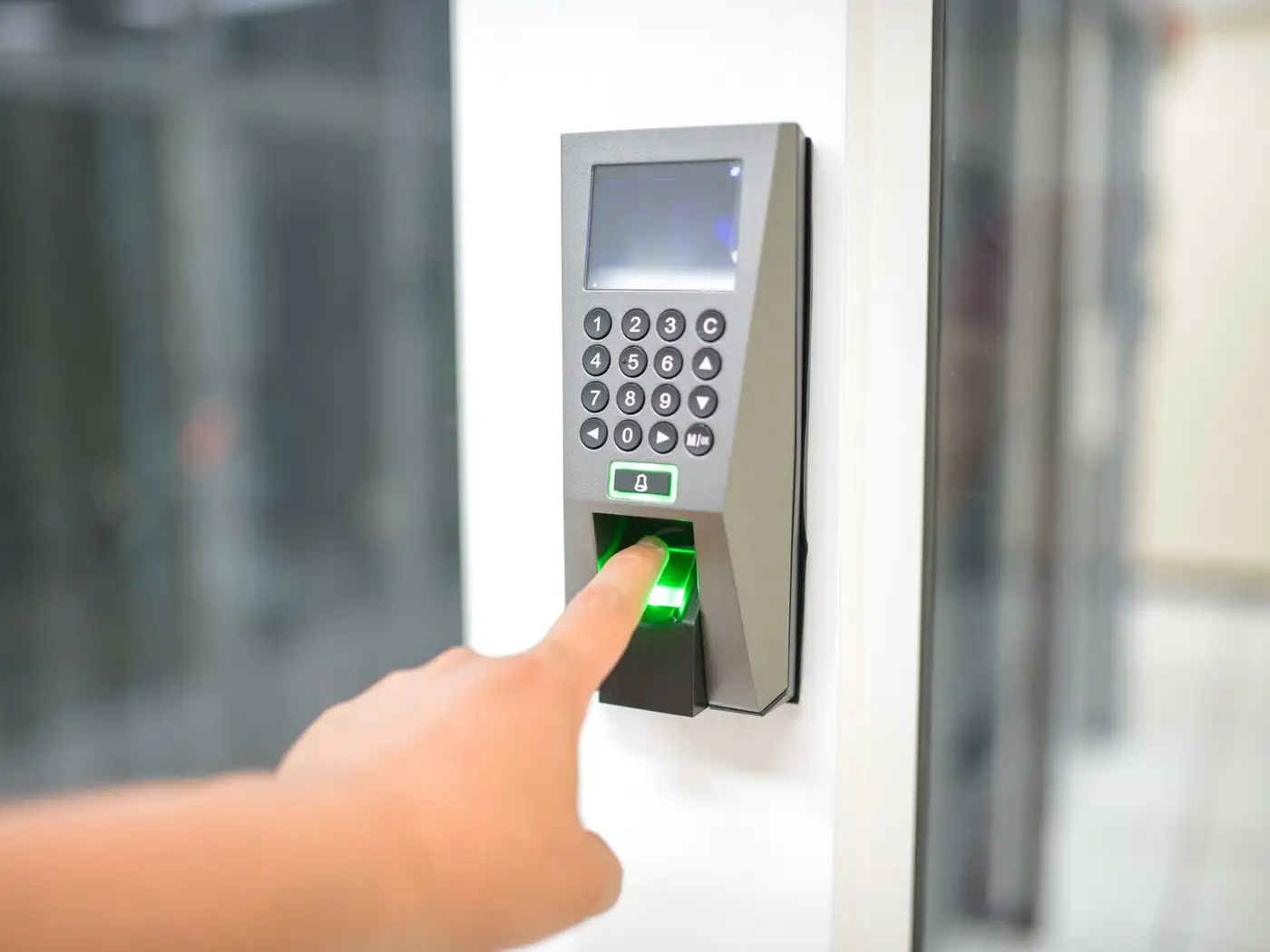
With on-device matching, the fingerprint reader stores the template and does the matching, and your gym software receives only an identifier such as "user 147". If the software database or a laptop is ever exposed, there is no biometric data in it to steal.
This fits the spirit of Rule 6, which lists measures such as encryption, masking and "virtual tokens mapped to that personal data". It also limits who can touch biometrics: front-desk staff and the software vendor never see a template. The reader still holds templates, so it is still personal data. Lock it physically, set an admin password, and delete a member's enrolment when they leave.
Ask your reader supplier or software vendor:
- Where is the template stored: on the reader, on a local PC or on a cloud server?
- What exactly does the gym software receive from the reader?
- Can one member's fingerprint be deleted on request, and how quickly?
- Is the reader's admin menu password-protected?
What security, retention and deletion steps should a gym take?
Protect member data with reasonable safeguards, keep it only while it serves its purpose, and have a plan for breaches. The Act and Rules spell out the minimum.
- Security (Rule 6): encryption or masking, access control for computers that hold member data, access logs, and backups. Logs and personal data are kept for one year for investigating unauthorised access, unless another law requires otherwise.
- Staff access: give trainers and desk staff only the screens they need, and remove access the day someone leaves.
- Contracts: your agreement with the software vendor should cover security safeguards.
- Breaches (Rule 7): tell affected members without delay, in plain language. Tell the Data Protection Board without delay, with a detailed report within 72 hours of becoming aware.
- Erasure (Section 8(7)): erase data when a member withdraws consent or when it is reasonable to assume the purpose is no longer served, unless a law requires you to keep it, such as tax records.
- Contact point (Rule 9): publish who members can contact about their data on your website or app.
- Rights: members can ask to access, correct or erase their data. PIB notes responses are due within 90 days.
A simple retention policy might be: delete fingerprint enrolment when a membership ends, keep invoices for as long as tax law requires, and review lapsed member records on a fixed schedule. Write it down so the whole team follows the same rules.
This is not legal advice. The DPDP Act and Rules are new and their application to your gym depends on your setup, so consult a lawyer for your specific case.
How Balvira Can Help
Balvira, the gym management software built by DVM Techno, lets members check in with a QR code at the door that changes every day, RFID cards, fingerprint readers from any vendor, a self-check-in kiosk or phone check-in within 50 metres (opt-in per branch), and the desk can always find a member by name. Fingerprints are matched on the reader itself, and Balvira stores only the identifier the device reports, with no biometric template in its database. For the rest of the setup, see our gym software buying guide and how to run WhatsApp reminders with proper opt-in.
Frequently Asked Questions
Does the DPDP Act apply to small gyms?
The Act applies to processing of digital personal data in India and has no general exemption based on business size. The government may notify some classes of Data Fiduciaries, including recognised startups, as exempt from certain provisions such as the notice requirement. A neighbourhood gym that keeps member records in software should assume the Act applies and consult a lawyer for its specific case.
Can a gym make fingerprint check-in compulsory?
It is risky. The DPDP Act requires consent to be free, specific and unconditional, and limited to data needed for the purpose. Since attendance can be recorded with a QR code, RFID card or desk check-in, offering one of these alternatives makes consent to biometrics a genuine choice. Take legal advice before making biometrics mandatory.
When do the DPDP Rules 2025 take effect for gyms?
The Rules were notified on 13 November 2025 in phases. Rules on the Data Protection Board applied at once, Consent Manager rules apply after one year, and the core duties, including notice, security safeguards, breach intimation, erasure and children's consent, apply 18 months after notification. Confirm the exact date for your case with a lawyer.
What is on-device fingerprint matching?
The fingerprint reader stores each member's template and does the matching inside the device. When a finger matches, the reader sends only an identifier, such as a user number, to the gym software. The software database then holds no biometric data, so a leak of the software database does not expose fingerprints. The reader itself still needs protecting.
What should a gym do if member data leaks?
Under Rule 7 of the DPDP Rules, the gym must tell affected members without delay, in plain language, what happened, the likely consequences, what it is doing and how they can protect themselves. It must also inform the Data Protection Board without delay and send a detailed report within 72 hours of becoming aware of the breach.
Related articles
Check-in without storing fingerprints
See how Balvira handles QR, RFID, fingerprint, kiosk and phone check-in while keeping biometric templates on the reader.