
On this page
- Can families in Babepur get simple home WiFi?
- How do video calls with relatives work on home WiFi?
- Which government services can families use from home?
- How can older users pay by UPI safely?
- How do you set up home WiFi for an older family member?
- How to get connected in Babepur
- Plans and prices in Babepur
- FAQs
Key takeaways
- WiFi broadband is available in Babepur from DVM Techno’s Kasni branch, over the air with no cable or digging, from 400 rupees a month.
- Home WiFi with unlimited data keeps video calls with relatives going without watching a data pack.
- SARAL, the Family ID portal, DigiLocker and Jeevan Pramaan let families do routine government work from home.
- Nobody genuine asks for a UPI PIN or OTP; report any fraud at once on 1930 or cybercrime.gov.in.
Can families in Babepur get simple home WiFi?
Yes. WiFi broadband is available in Babepur from DVM Techno’s Kasni branch. It arrives over the air to a small antenna on the roof, so no cable is laid to the house, and plans start at 400 rupees a month. Coverage details are on the Babepur broadband page.
Babepur is a small village: the 2011 Census counted 1,014 residents, 514 men and 500 women, according to its Wikipedia entry. In many village homes across Haryana, children and grandchildren study or work in cities while parents and grandparents stay back. For the people at home, the internet is mostly about three things: seeing family on a video call, getting government work done without a trip to town, and paying safely. This post covers those; for a comparison of internet options, see our guide to WiFi connection in a village.
How do video calls with relatives work on home WiFi?
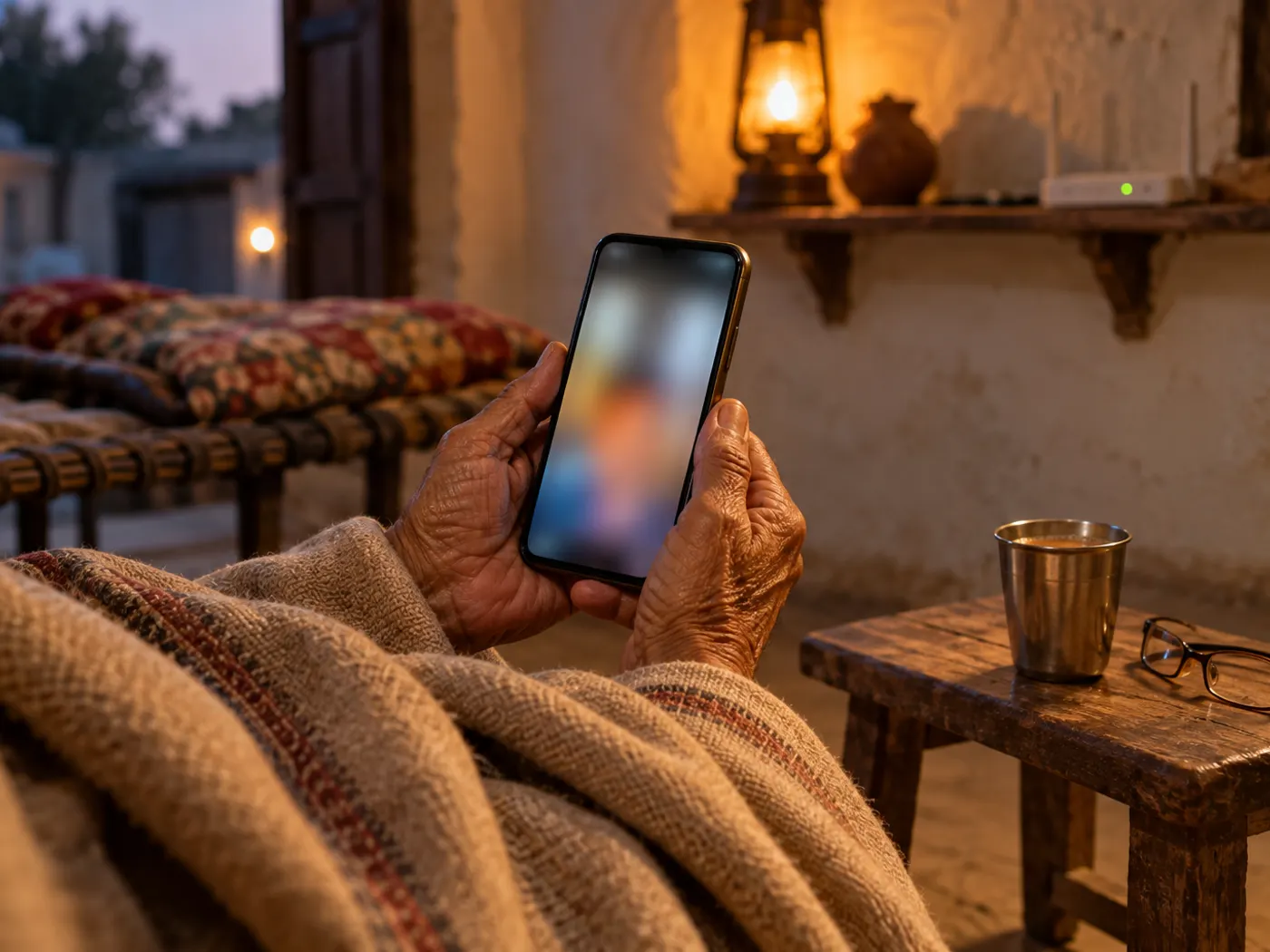
A video call works over home WiFi the same way it does on mobile data, but a fixed line with unlimited data means the call does not stop because a data pack ran out.
- Stay on WiFi: check that the WiFi symbol shows on the phone before calling; if it is missing, the phone is using mobile data.
- Sit near the router: walls and floors weaken WiFi, so for long calls sit in the room with the router or one room away.
- Light in front: face a window or lamp, not with it behind you, so relatives can see your face clearly.
- Fix a regular time: agree a time with relatives, such as Sunday evening, so the phone is charged and nobody misses the call.
- Volume: raise the call volume, or use wired earphones if hearing is difficult.
Which government services can families use from home?
Several Haryana and Government of India portals let families apply for, check or download records at home, which can save a trip to town for routine work.
| Service | Official website | What it is for |
|---|---|---|
| Antyodaya SARAL | saralharyana.gov.in | Haryana’s single platform for citizen services: certificates such as Haryana Resident, income and caste certificates, tracking applications and booking an appointment at a SARAL Kendra. It also links to the Social Justice department’s pension website. |
| Parivar Pehchan Patra (Family ID) | meraparivar.haryana.gov.in | Each registered family gets an eight-digit Family ID, which links schemes such as scholarships, subsidies and pensions. Check that the names, ages and mobile number in your family record are correct. |
| DigiLocker | digilocker.gov.in | A Ministry of Electronics and IT platform under Digital India for storing, sharing and verifying documents and certificates, including authentic digital copies issued by departments. |
| Jeevan Pramaan | jeevanpramaan.gov.in | An Aadhaar-based digital life certificate for pensioners, who must submit a life certificate every year for their pension to continue. |
The Haryana Parivar Pehchan Authority says family data is collected with the family’s consent and that the Family ID is linked to birth, death and marriage records. For Jeevan Pramaan, a PIB release of November 2022 says face authentication on the Jeevan Pramaan app was launched in November 2021, so a pensioner can submit the certificate from a mobile phone, and a 2025 release says pensioners of State Governments, EPFO and autonomous bodies also use it. Confirm with the bank or office that pays your pension that it accepts a digital certificate.
Most of these portals send a one-time password (OTP) to a registered mobile number. Keep that number active and with someone in the family who can read the message, and never read an OTP out to a caller.
How can older users pay by UPI safely?
UPI is safe to use when a few rules are followed: the UPI PIN is only for sending money, and nobody genuine will ever ask you for it or for an OTP.
- PIN only to pay: you never enter your UPI PIN to receive money. A request that says enter your PIN to receive is fraud.
- Read before you approve: check the name and amount on the screen before entering the PIN, and decline collect requests you do not recognise.
- No apps on a caller’s request: do not install a screen-sharing or support app because a caller asks, even if they say they are from a bank or a pension office.
- Slow down on urgent calls: messages about a blocked account, a prize, a refund or a relative in trouble who needs money are common tricks. Call the bank or the relative back on a number you already have.
- Pay on trusted networks: use your home WiFi or mobile data, not an open network in a market or bus stand.
If money is taken, act at once: call the national cyber crime helpline 1930 or report it on the National Cyber Crime Reporting Portal, and inform your bank. According to a Ministry of Home Affairs statement, 1930 is a toll-free helpline for immediate reporting of financial frauds and for help lodging complaints on the portal.
How do you set up home WiFi for an older family member?
Set the connection up once so that elders never have to touch the router: save the WiFi on every phone, keep the password written at home and put the support number in the contacts.
- Router in a central room: place it where the family sits most, on a shelf, not behind a steel almirah or inside a cupboard.
- Leave it on: if the router is switched off at night, phones quietly move to mobile data and a morning call may not connect over WiFi.
- Password on a card: write the WiFi name and password on a card kept near the router, and do not post a photo of it in WhatsApp groups.
- Bigger text: raise the font and display size in the phone settings, and keep only the apps they use on the first screen.
- Save the numbers: save DVM Techno’s support number +91-8448523313 and the 1930 helpline in the phone under clear names.
- Simple fix first: if the internet stops, switch the router off, wait a minute and switch it on again; if that does not help, call support.
How to get connected in Babepur
- Any family member can call or WhatsApp +91-8448523313 with the house location in Babepur.
- A technician tests the wireless signal at the roof. The survey is free, and the plan is confirmed after it.
- The antenna and router are installed free, usually in 2 to 3 hours. Ask for each family member’s phone to be connected before the technician leaves.
- In most villages the internet starts the same day. Make a test video call to a relative while help is still at hand.
Plans and prices in Babepur
Each plan includes unlimited data with no FUP and local support from Kasni.
| Plan | Speed | Monthly price | Suits a home where |
|---|---|---|---|
| Basic | 30 Mbps | 400 rupees a month, GST included | One or two people make video calls, use UPI and visit government portals |
| Starter | 50 Mbps | 600 rupees a month, GST included | A couple of phones make HD video calls and children use online classes |
| Standard | 100 Mbps | Call or WhatsApp for the price | Several family members use phones and a smart TV at the same time |
| Premium | 200 Mbps | Call or WhatsApp for the price | A large family uses many devices at once |
For 100 and 200 Mbps prices and coverage at your house, see the Babepur plans page. The full list of villages is on the Kasni broadband page.
Frequently Asked Questions
Can a pensioner submit a life certificate from home?
Often, yes. Jeevan Pramaan is an Aadhaar-based digital life certificate, and since November 2021 pensioners can use face authentication on the Jeevan Pramaan app on a mobile phone instead of visiting the bank. It is used by Central Government pensioners and also by pensioners of State Governments, EPFO and other bodies. Check first that your pension office accepts it.
What should we do if money is taken through UPI fraud?
Act at once. Call the national cyber crime helpline 1930, which the Ministry of Home Affairs runs for immediate reporting of financial frauds, or file a complaint on cybercrime.gov.in. Inform your bank as well and keep screenshots of the messages and the transaction. The sooner it is reported, the better the chance of stopping the money before it moves further.
Is a video call on home WiFi better than on mobile data?
For long or frequent calls, usually yes. Home broadband with unlimited data and no FUP means the call does not depend on a data pack, and a fixed line is not affected by a weak mobile signal indoors. Sit near the router for long calls, because walls and floors weaken WiFi, and check that the WiFi symbol shows on the phone.
Do elders need to manage the router themselves?
No. Once the technician connects each phone, the router can stay switched on and nobody needs to touch it. Keep the WiFi name and password on a card near the router and save the support number in the phone. If the internet stops, switching the router off and on again fixes many problems; otherwise call or WhatsApp support.
Which plan suits a home with elders in Babepur?
If one or two people mainly make video calls, use UPI and visit government portals, Basic 30 Mbps at 400 rupees a month is a good start. Starter 50 Mbps at 600 rupees a month suits a home where children also attend online classes. For several people on phones and a smart TV together, ask about Standard 100 Mbps.
Who provides WiFi broadband in Babepur?
DVM Techno provides wireless broadband in Babepur from its branch in Kasni. The signal comes over the air to a small antenna on the roof, so no cable is laid to the house. Every plan has unlimited data and no FUP, and installation is free. Basic 30 Mbps is 400 rupees a month. Call or WhatsApp +91-8448523313.
Related articles
Get WiFi in Babepur
Simple, unlimited home broadband for the whole family from DVM Techno’s Kasni branch: plans from 400 rupees a month, no FUP and local support. Call or WhatsApp +91-8448523313.