
30 Mbps
Basic
₹400 / month · incl. GST
- Unlimited data
- No FUP
- Free installation, over the air
- Local support from Kasni
- For one or two users
Chandul (Chandol) · near Kasni · Jhajjar, Haryana
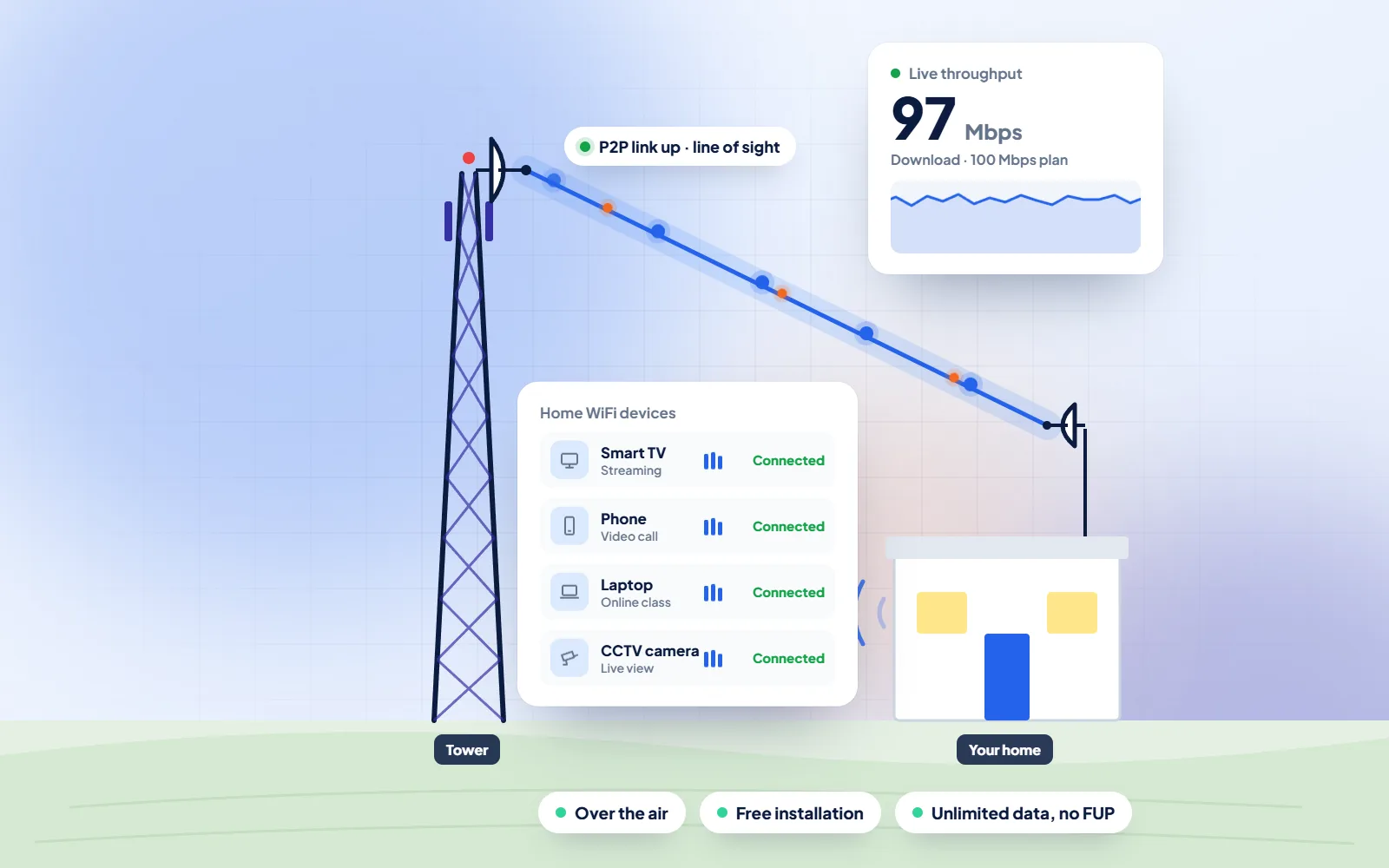
DVM Techno provides WiFi broadband in Chandul (also written Chandol), Jhajjar, from its Kasni branch, over the air to an antenna on your roof. If you work from home, freelance or sit online interviews, the line comes with unlimited data and no FUP, from 400 rupees a month, and a free signal survey before anything is fitted.
Quick answer
DVM Techno provides wireless broadband internet in Chandul, Jhajjar district, from its branch office in Kasni (Salhawas tehsil). The connection reaches your home over the air, so no cable has to be laid to your house. There are four plans — Basic 30 Mbps at ₹400 a month and Starter 50 Mbps at ₹600 a month (GST included), plus Standard 100 Mbps and Premium 200 Mbps — all with unlimited data and no FUP or speed throttling. Installation is free. Call or WhatsApp +91-8448523313 to check coverage at your address and for 100 and 200 Mbps prices.
| Plan | Speed | Price (incl. GST) | Good for |
|---|---|---|---|
| Basic | 30 Mbps | ₹400/month | One or two users: online classes, UPI and net banking, WhatsApp and video on one device |
| Starter | 50 Mbps | ₹600/month | Online classes and coaching apps, UPI and net banking, WhatsApp Business, HD video on one or two devices |
| Standard | 100 Mbps | Call or WhatsApp | Families with several phones and a smart TV, work-from-home video calls |
| Premium | 200 Mbps | Call or WhatsApp | Shops and offices, 4K streaming, remote CCTV viewing, many devices at once |
All plans have unlimited data with no FUP, and installation is free. Prices include GST; call or WhatsApp for the 100 and 200 Mbps rates.
Chandul
Chandul, spelled Chandol in some records, is one of the 37 villages served from our Kasni branch. There is no Wikipedia article on the village to quote, so we give no population or distance figures here. The district article on Wikipedia gives the context: Jhajjar district had 958,405 people at the 2011 Census, a literacy rate of 80.8 per cent and only about 22 per cent of its people in towns. Many educated young people grow up in villages like this one and then look for work in Gurugram or Delhi. For jobs done on a laptop, a dependable home connection lets some of that work happen from Chandul instead.
A work call needs less speed than most people think, but it needs it in both directions. Zoom's own support page lists about 1.2 Mbps up and down for a one-to-one call in 720p HD, 2.6 Mbps up and 1.8 Mbps down for a group call in 720p, and 3.8 Mbps up and 3.0 Mbps down for 1080p video. Sharing a screen without video needs only 50 to 75 kbps. So the headline speed of a plan is rarely what spoils a meeting. What spoils it is a line that drops for a few seconds, a router that goes dark in a power cut, or a phone hotspot that slows to a crawl once the daily data is gone.
Freelancing adds heavy uploads: a designer sending print files, an editor delivering a finished video, an accountant backing up a client's books. These are the jobs where unlimited data matters, because a few large uploads in a week would eat through a mobile pack. Schedule big uploads for the morning or late evening, plug the laptop into the router with a LAN cable rather than relying on WiFi through two walls, and run the router from an inverter socket. Our separate guide to working from home in Chandul goes through power backup, setting up a quiet corner and spotting fake job offers.
Sources: Wikipedia — Jhajjar district · Zoom Support — bandwidth requirements
A work-from-home checklist for Chandul
WiFi Broadband
Built around calls, uploads and long working days at a desk in Chandul.
Process
The same clear steps for every Chandul project, with progress shared on WhatsApp.
Broadband Plans
Every plan includes unlimited data with no FUP, free installation over the air and local support. Prices include GST; call or WhatsApp for 100 and 200 Mbps rates.
30 Mbps
₹400 / month · incl. GST
50 Mbps
₹600 / month · incl. GST
100 Mbps
Call or WhatsApp
200 Mbps
Call or WhatsApp
FAQs
Straight answers to what Chandul families and shopkeepers ask before they start.
DVM Techno provides wireless broadband in Chandul from its Kasni branch. A roof antenna receives the signal over the air and a router gives WiFi indoors, with no cable from outside and no digging. A free signal survey comes first. Call or WhatsApp +91-8448523313.
Two plans have set monthly prices including GST: Basic 30 Mbps at 400 rupees and Starter 50 Mbps at 600 rupees. For Standard 100 Mbps or Premium 200 Mbps, call or WhatsApp for the price. Data is unlimited on all four, and the antenna and router are installed free.
Neither. There is no fair usage policy and no monthly data cap, so uploading a large project or sitting in meetings all day does not slow the line later in the month.
Fitting the antenna and router takes about 2 to 3 hours after a successful signal survey. Most villages get it the same day, so you can usually join a meeting on the new line that evening.
No landline and no outside cable are needed. The connection arrives over the air at the antenna on your roof; one short indoor cable links it to the router.
For video meetings, Zoom lists about 1.2 Mbps each way for a one-to-one call in 720p and up to 3.8 Mbps up for 1080p. Basic 30 Mbps covers that comfortably for one worker; Starter 50 Mbps gives more room if others stream or study at the same time.
A LAN cable from the router to the laptop is steadier than WiFi through walls, especially for screen sharing and remote desktop. For interviews and client calls, sit near the router or run a cable to your desk.
The router and the antenna's power adapter stop if they have no backup, so put both on an inverter or UPS socket. A charged laptop and a phone hotspot ready as a fallback cover the rest.

Call or WhatsApp +91-8448523313 · Mon–Sat, 9 AM – 7 PM · info@dvmtechno.com