
30 Mbps
Basic
₹400 / month · incl. GST
- Unlimited data
- No FUP
- Free installation, over the air
- Local support from Kasni
- For one or two users
Mundahera · Salhawas · Jhajjar, Haryana
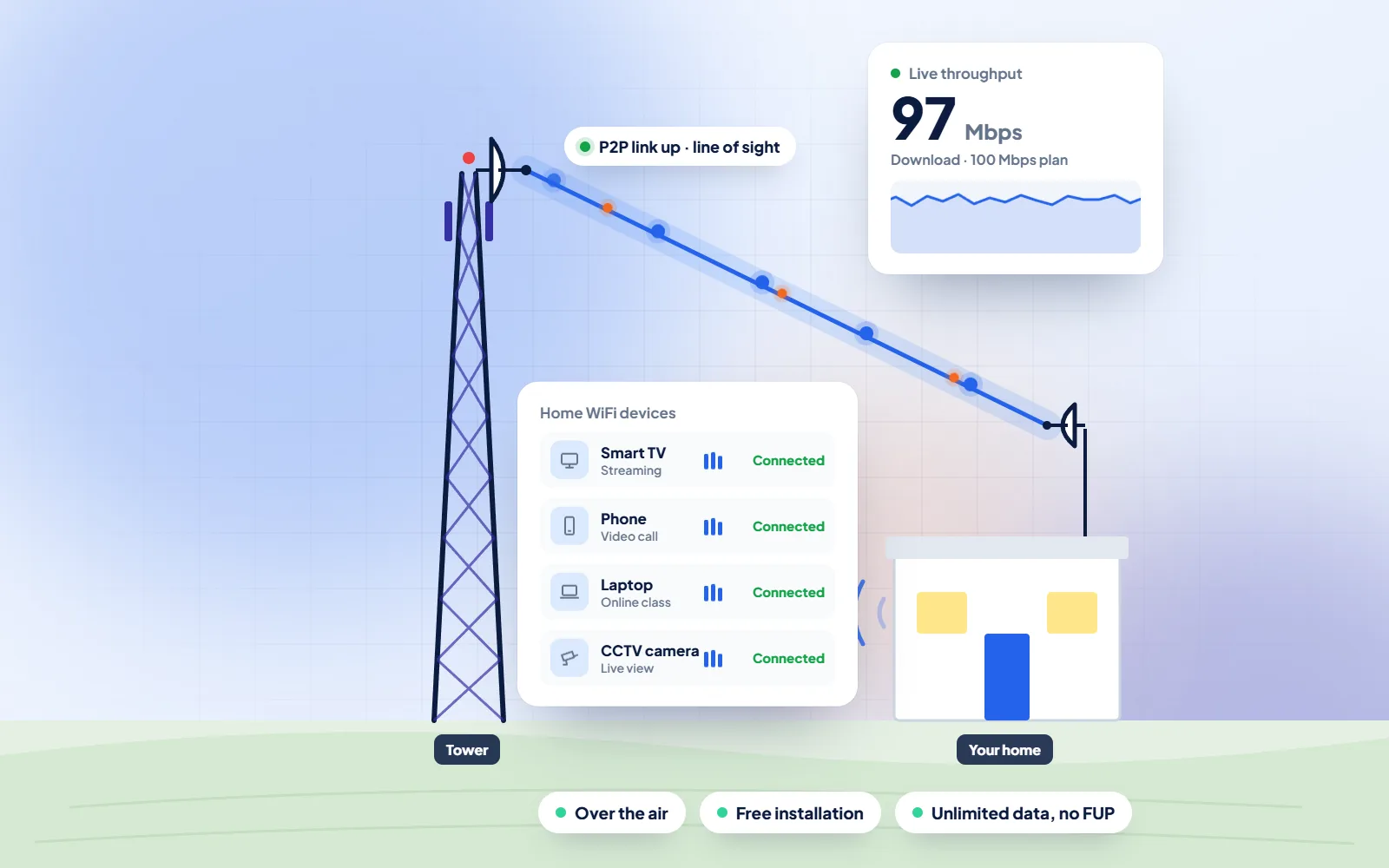
In Mundahera, Jhajjar, WiFi broadband comes from DVM Techno, which beams it over the air from its Kasni branch to an antenna on your roof. In a house where grandparents, two or three brothers' families and a crowd of children live together, one unlimited connection can take the place of a dozen separate data recharges, as long as the speed and the router are chosen for the whole house rather than for one room.
Quick answer
DVM Techno provides wireless broadband internet in Mundahera, Jhajjar district, from its branch office in Kasni (Salhawas tehsil). The connection reaches your home over the air, so no cable has to be laid to your house. There are four plans — Basic 30 Mbps at ₹400 a month and Starter 50 Mbps at ₹600 a month (GST included), plus Standard 100 Mbps and Premium 200 Mbps — all with unlimited data and no FUP or speed throttling. Installation is free. Call or WhatsApp +91-8448523313 to check coverage at your address and for 100 and 200 Mbps prices.
| Plan | Speed | Price (incl. GST) | Good for |
|---|---|---|---|
| Basic | 30 Mbps | ₹400/month | One or two users: online classes, UPI and net banking, WhatsApp and video on one device |
| Starter | 50 Mbps | ₹600/month | Online classes and coaching apps, UPI and net banking, WhatsApp Business, HD video on one or two devices |
| Standard | 100 Mbps | Call or WhatsApp | Families with several phones and a smart TV, work-from-home video calls |
| Premium | 200 Mbps | Call or WhatsApp | Shops and offices, 4K streaming, remote CCTV viewing, many devices at once |
All plans have unlimited data with no FUP, and installation is free. Prices include GST; call or WhatsApp for the 100 and 200 Mbps rates.
Mundahera
Mundahera is listed among the villages of Jhajjar district on Wikipedia, under the Salhawas column of its village table, and it is one of the 37 villages our Kasni branch serves. Wikipedia has no article of its own for the village, so this page carries no population figures. Families here, as across the area, often live in the pattern Wikipedia's article on the joint family describes for the Indian subcontinent: many generations in the same home, bound by a common relationship, with income pooled and the elders deciding how it is spent.
That pattern changes how a household uses the internet. The demand is spread across the day rather than packed into one evening. Elders watch satsang and news in the morning and video-call relatives in the city. Women in the house follow recipe and stitching channels in the afternoon, or run a small home business over WhatsApp. Children join online classes after school and want cartoons after that. The men check mandi rates, pay bills by UPI and catch up on cricket at night. A plan for a joint family is sized for the hour when most of these overlap, which is usually the early evening, not for the total number of people.
The pooled-purse habit also makes the sums simple. Instead of each adult buying a large data pack every month, the household pays one fixed monthly bill for a home plan with unlimited data, and each person keeps only a small pack for calls and use outside the house. Decide who looks after the router password and the guest network, usually the son or daughter most comfortable with phones, and agree a few house rules for big downloads. Our guide to sharing one plan in a big joint family, linked below, works through the speed and router questions in more detail.
Sources: Wikipedia — Jhajjar district · Wikipedia — Joint family
Before connecting a joint-family home, agree
WiFi Broadband
One connection in Mundahera planned for elders, parents and children living under the same roof.
Process
The same clear steps for every Mundahera project, with progress shared on WhatsApp.
Broadband Plans
Every plan includes unlimited data with no FUP, free installation over the air and local support. Prices include GST; call or WhatsApp for 100 and 200 Mbps rates.
30 Mbps
₹400 / month · incl. GST
50 Mbps
₹600 / month · incl. GST
100 Mbps
Call or WhatsApp
200 Mbps
Call or WhatsApp
FAQs
Straight answers to what Mundahera families and shopkeepers ask before they start.
WiFi broadband in Mundahera is provided by DVM Techno from its branch office in Kasni. The signal reaches a small antenna on your roof over the air, and a router inside the house spreads it as WiFi. To check your house, call or WhatsApp +91-8448523313 between 9 AM and 7 PM, Monday to Saturday.
Two plans have set monthly prices: Basic 30 Mbps at 400 rupees and Starter 50 Mbps at 600 rupees, GST included. The faster Standard 100 Mbps and Premium 200 Mbps plans are priced on request, so call or WhatsApp the Kasni team for today's rate. Installation is free.
There is none. Every plan is unlimited with no FUP, which matters in a joint family: however many people stream, call or study in a month, the connection does not slow down after a set amount of data.
About 2 to 3 hours for the antenna and router once the signal survey is done. In most villages around Kasni the family is online the same day. A second access point for an upper floor can be planned at the survey.
Neither. The connection is wireless up to your roof, so no landline is needed and nothing is dug up in the lane. Inside, the router needs one power socket, ideally on the inverter.
Yes, if it is sized for the busiest hour. A house where one TV and a few phones are busy together is fine on Starter 50 Mbps; two TVs, online classes and a video call at once are more comfortable on Standard 100 Mbps. The router position matters as much as the plan.
Most households simply divide the monthly bill. On Starter 50 Mbps at 600 rupees, three families sharing the house pay 200 rupees each, with unlimited data for all of them. One person pays the bill and the others settle up, often by UPI.
Many home routers let you set up a guest network and limit or pause the internet on chosen devices at chosen hours, for example children's phones late at night. Features vary by router model; our team can show you what yours supports at installation.

Call or WhatsApp +91-8448523313 · Mon–Sat, 9 AM – 7 PM · info@dvmtechno.com